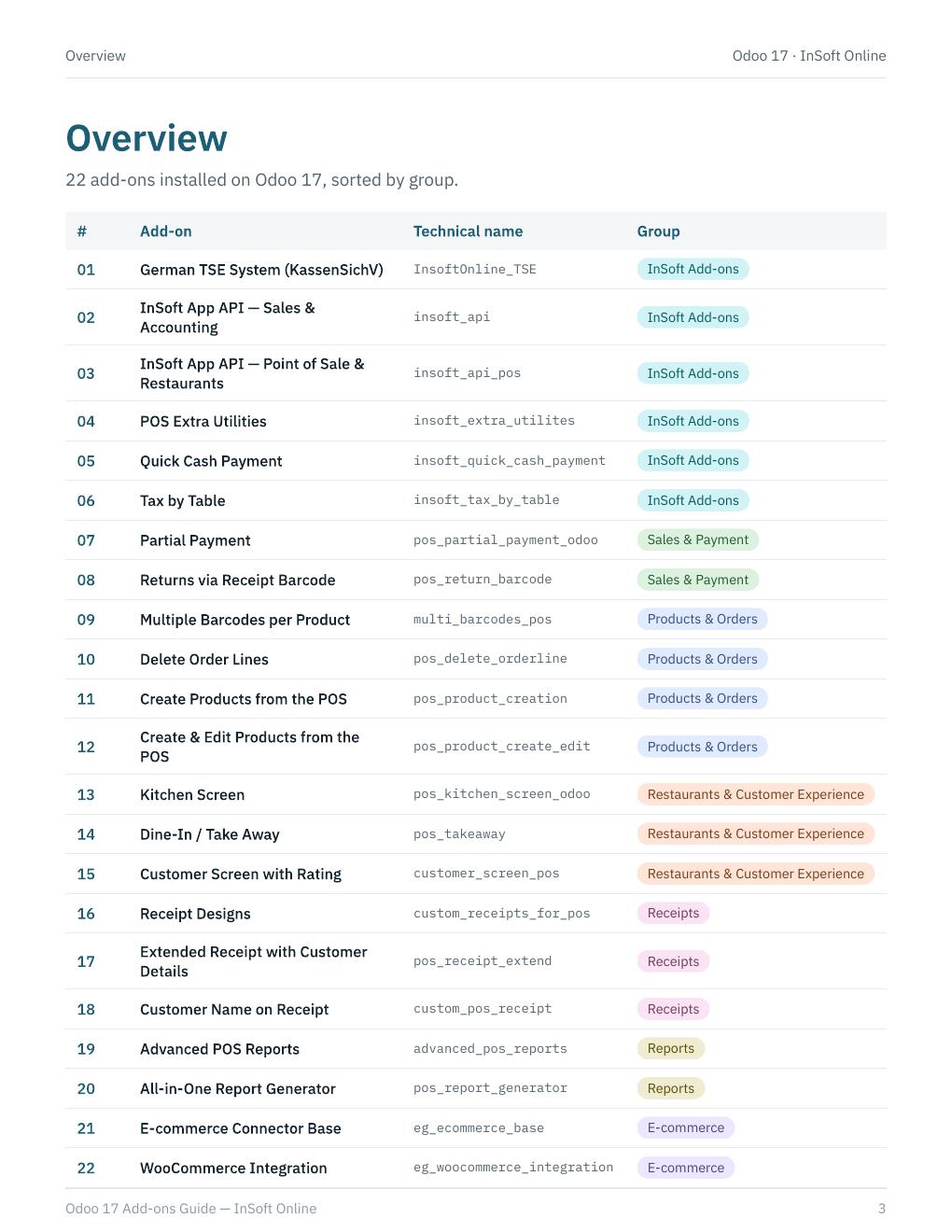
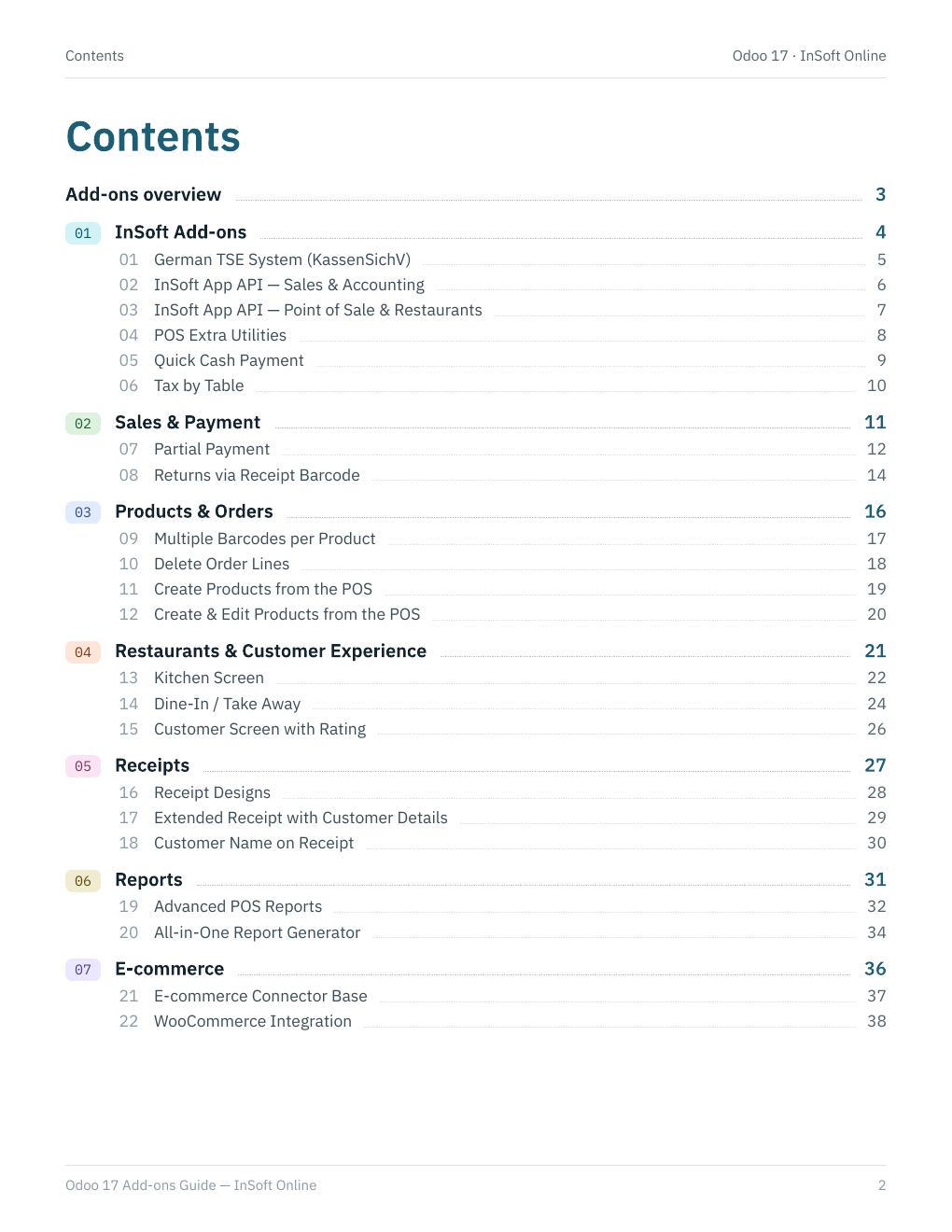
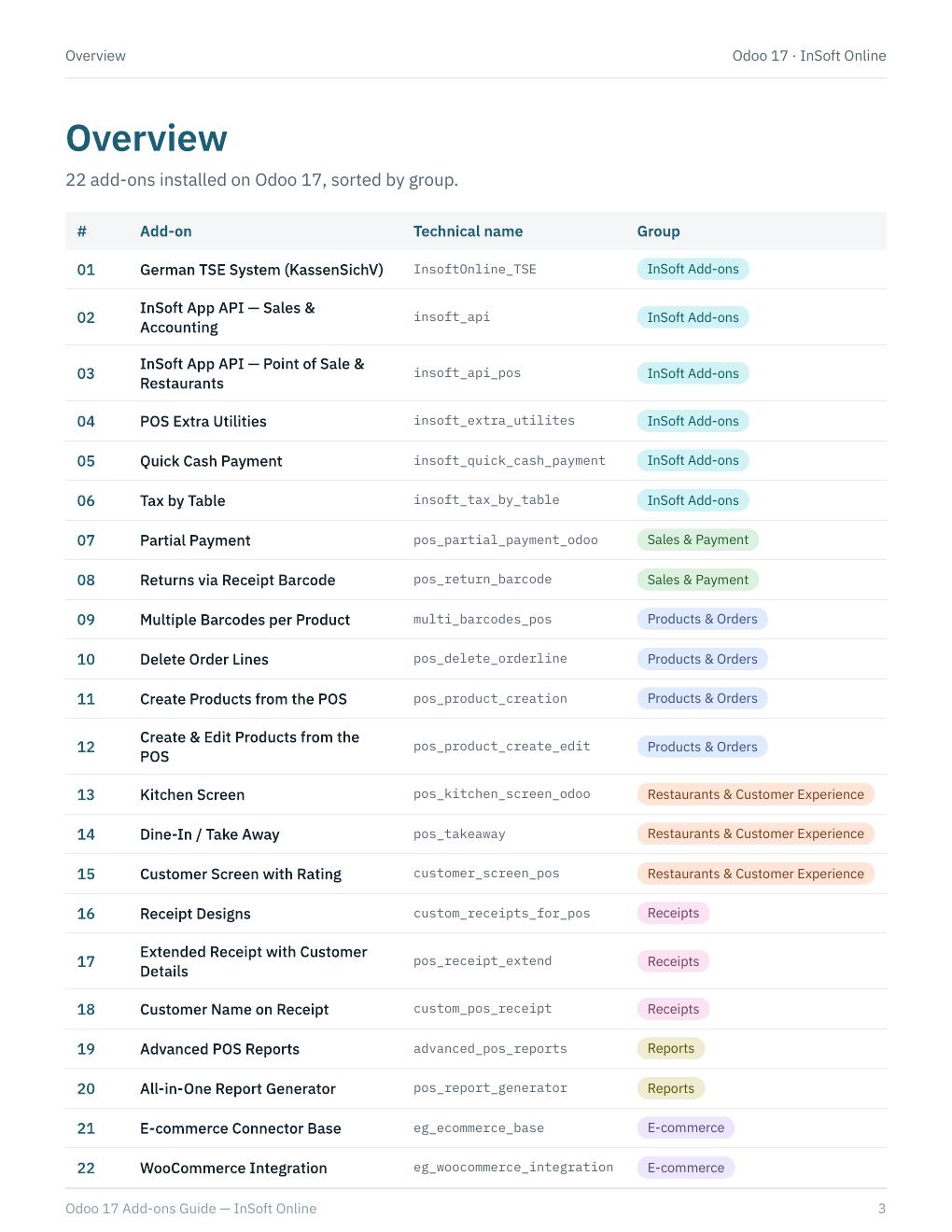
A practical catalogue of 22 add-ons installed on Odoo 17: German TSE (KassenSichV), mobile app APIs, cashier utilities, partial payments, barcode returns, kitchen and customer screens, receipt designs, advanced reports, and WooCommerce.
Add-on groups
01 · Core POS add-ons
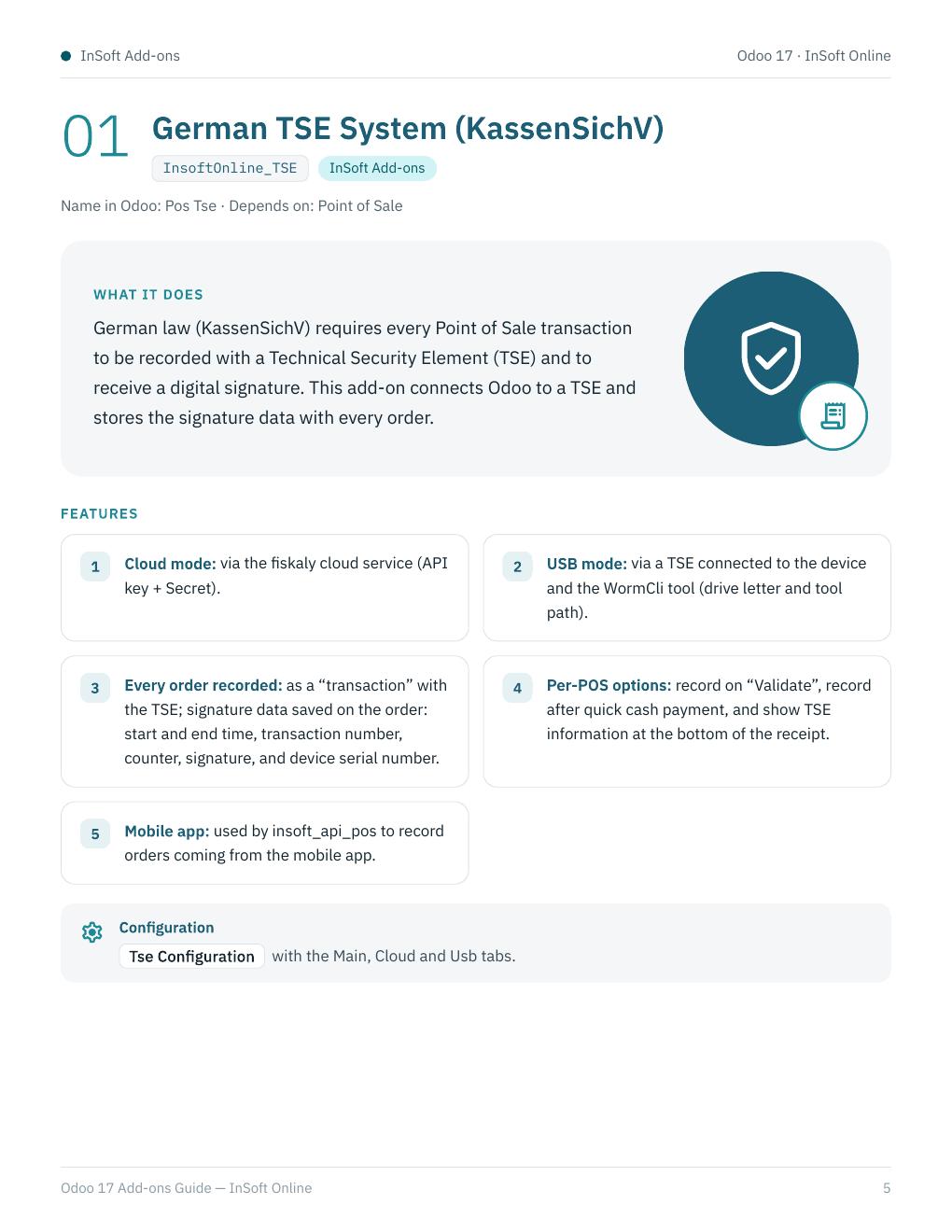
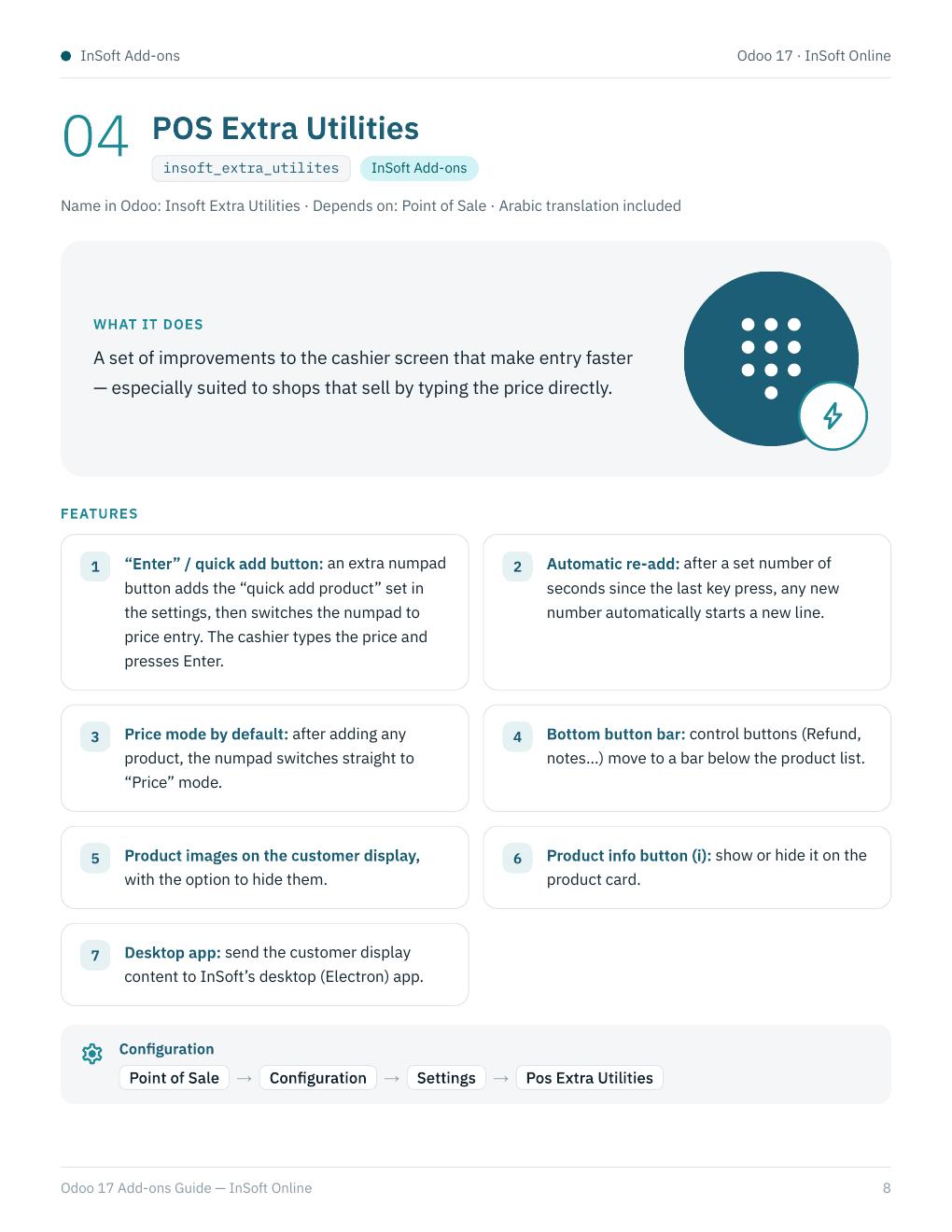
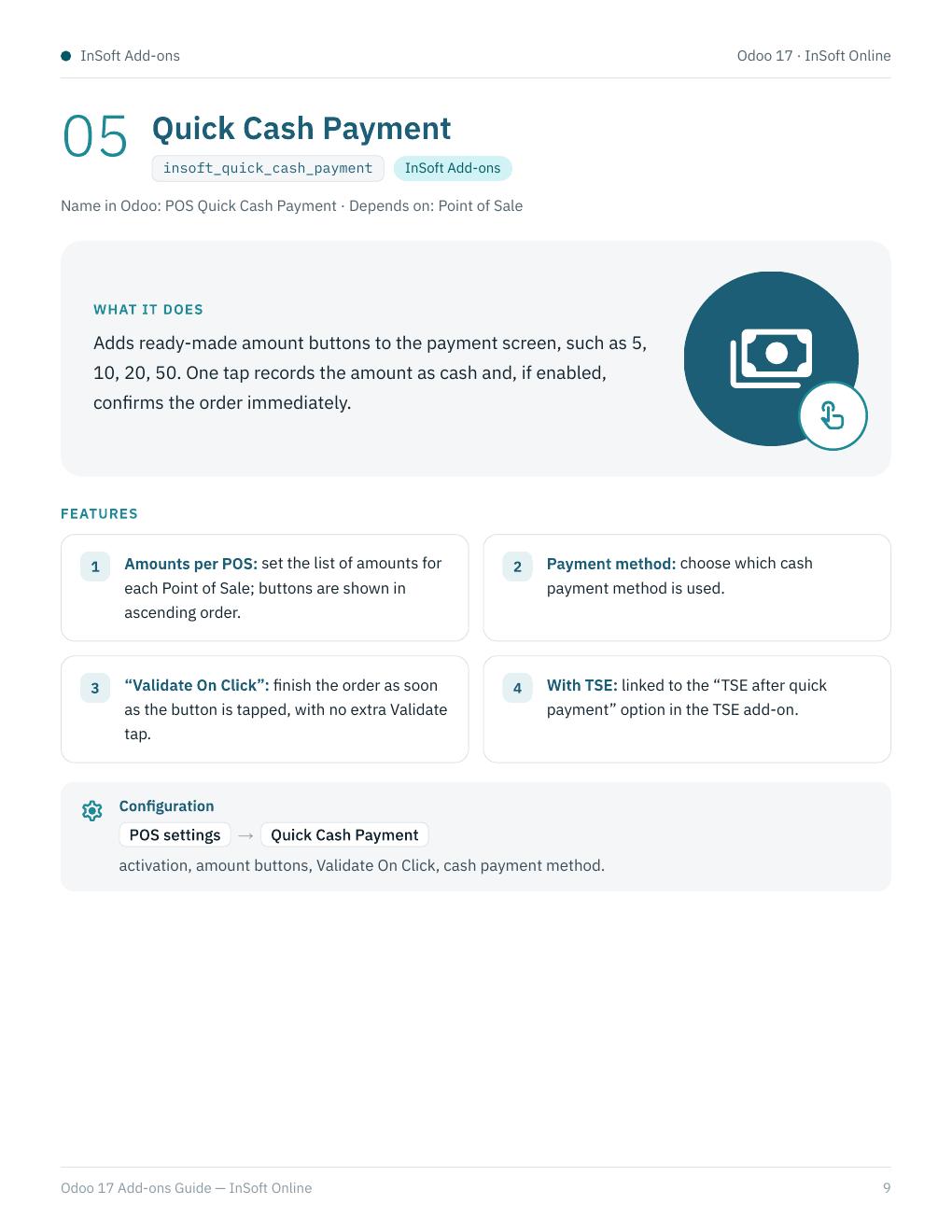
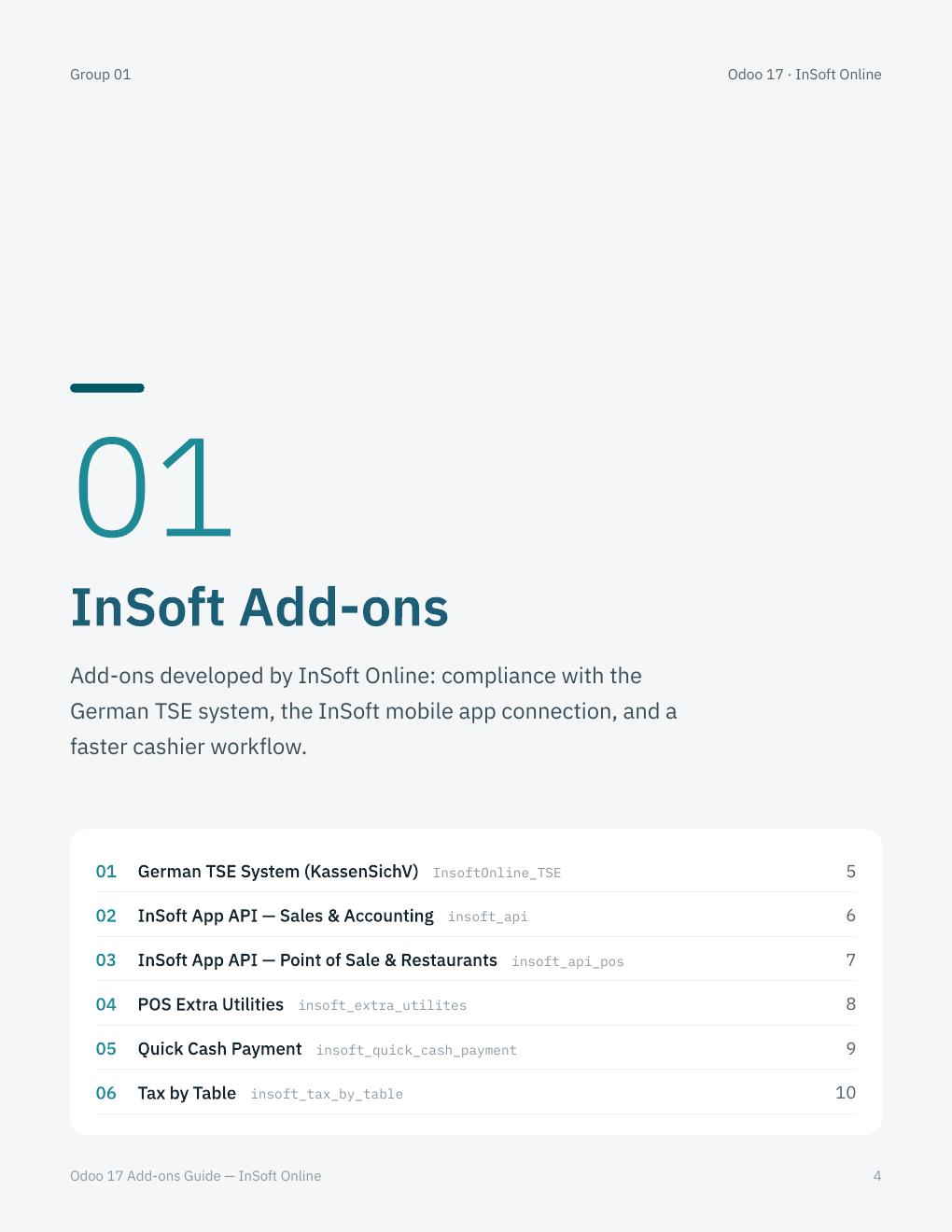
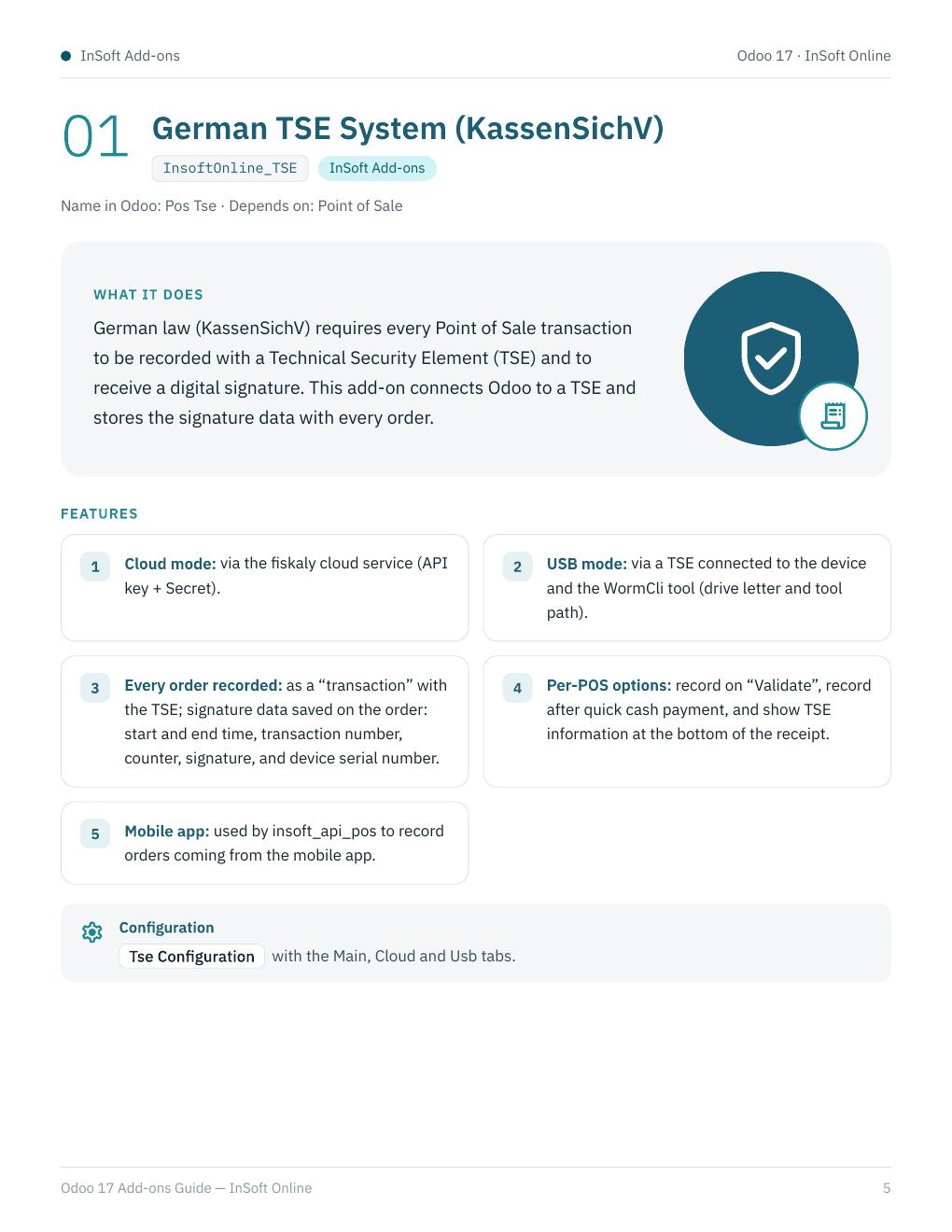
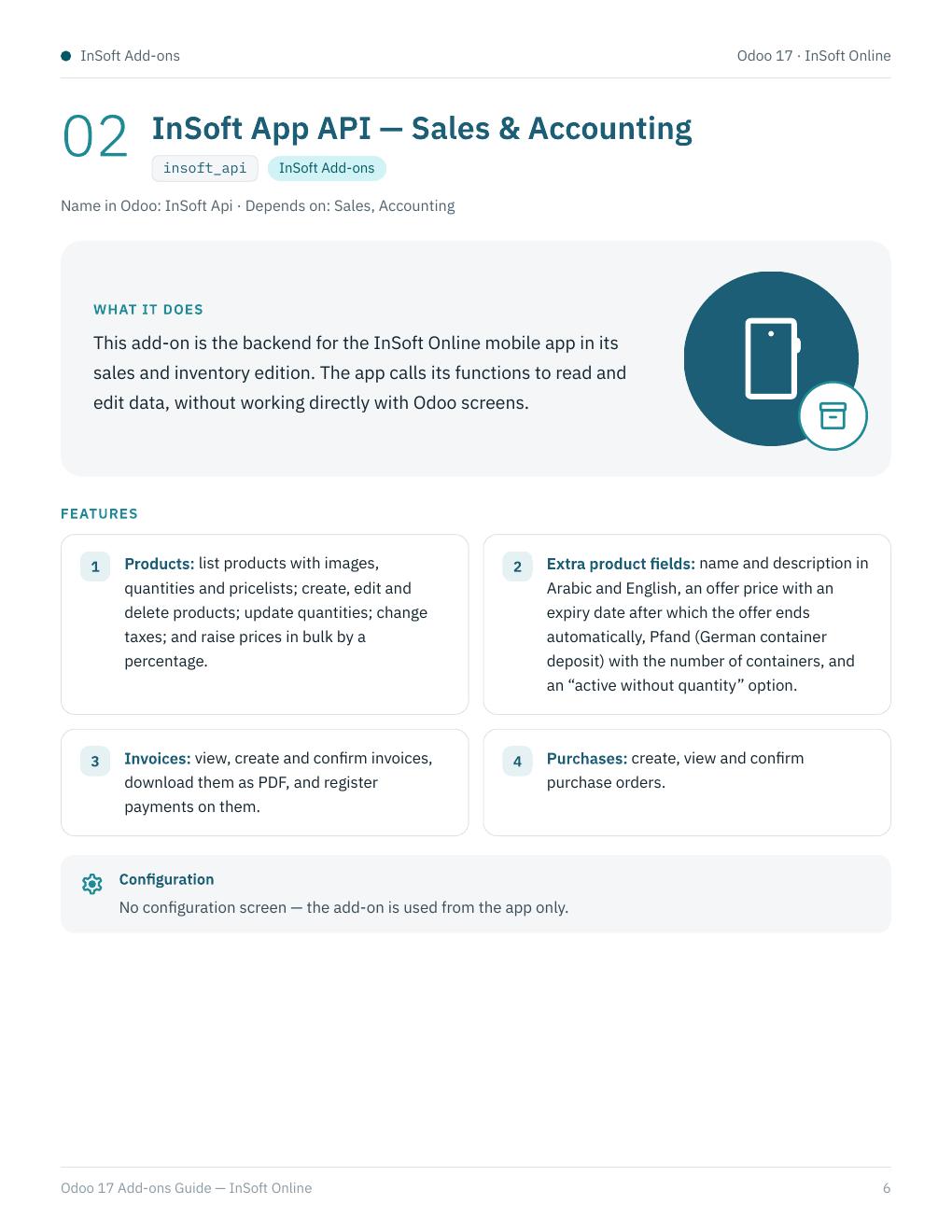
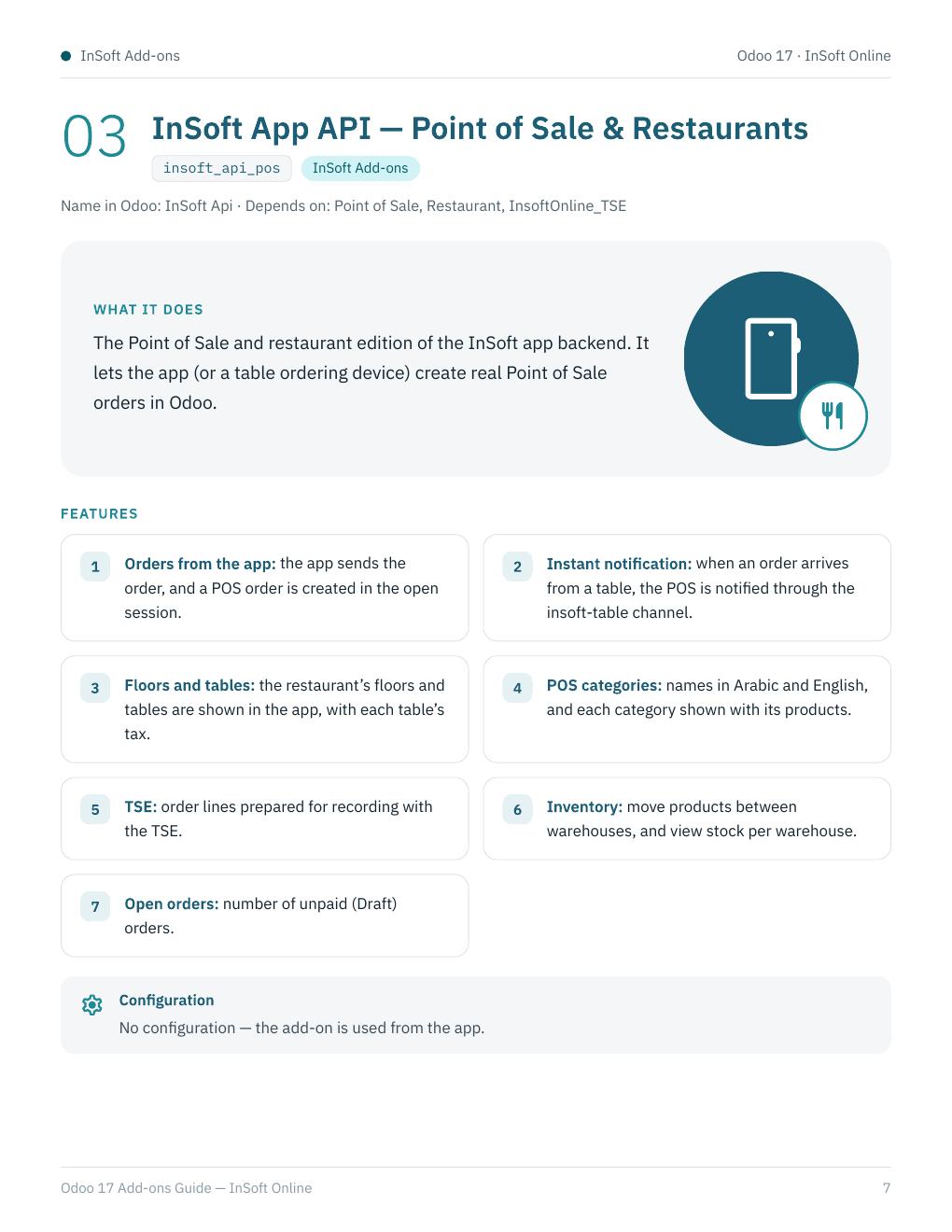
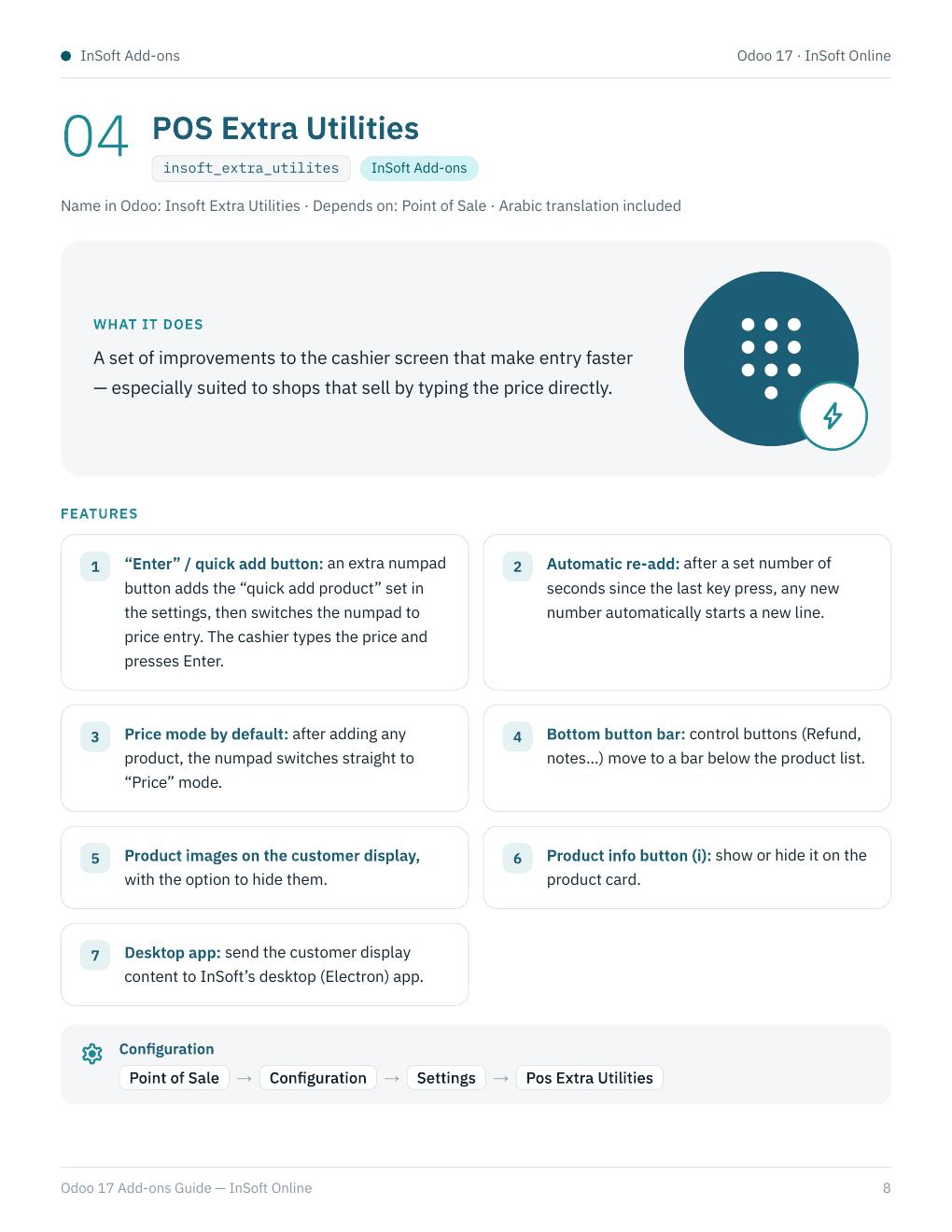
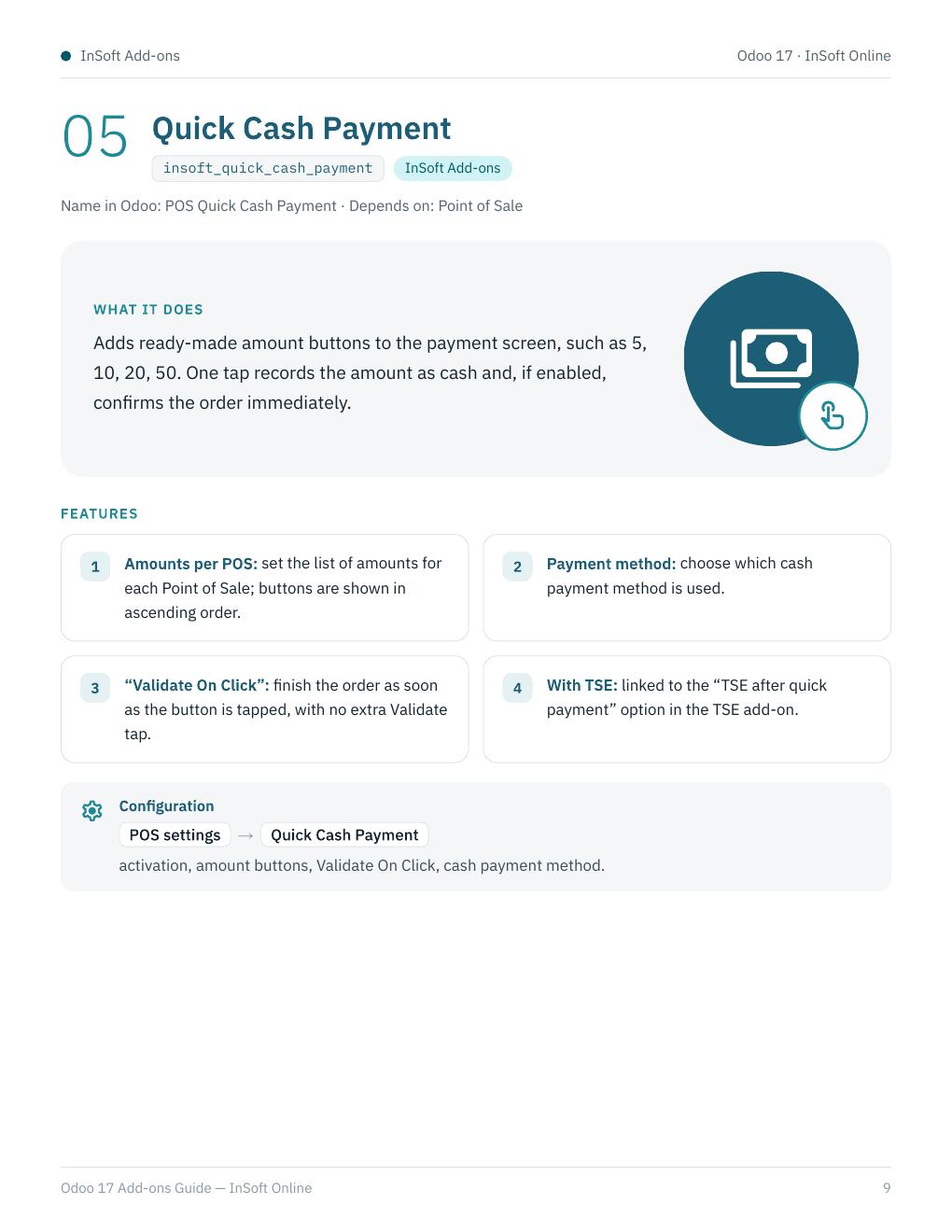
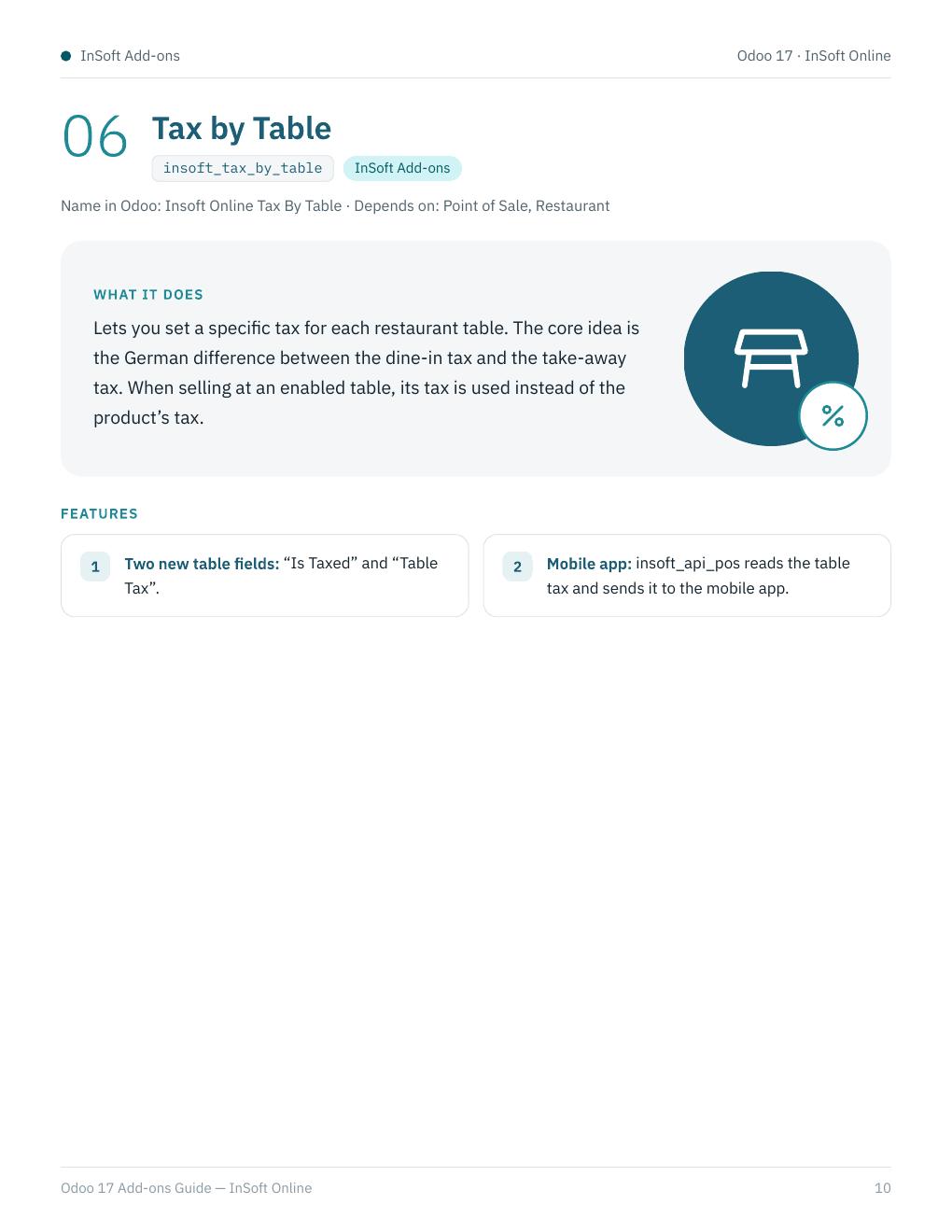
InsoftOnline_TSE (German fiscal signature via fiskaly cloud or USB TSE), insoft_api (sales & accounting app backend), insoft_api_pos (POS & restaurant orders from the mobile app), insoft_extra_utilites (faster cashier numpad), insoft_quick_cash_payment (ready cash amounts), insoft_tax_by_table (dine-in vs take-away tax per table).
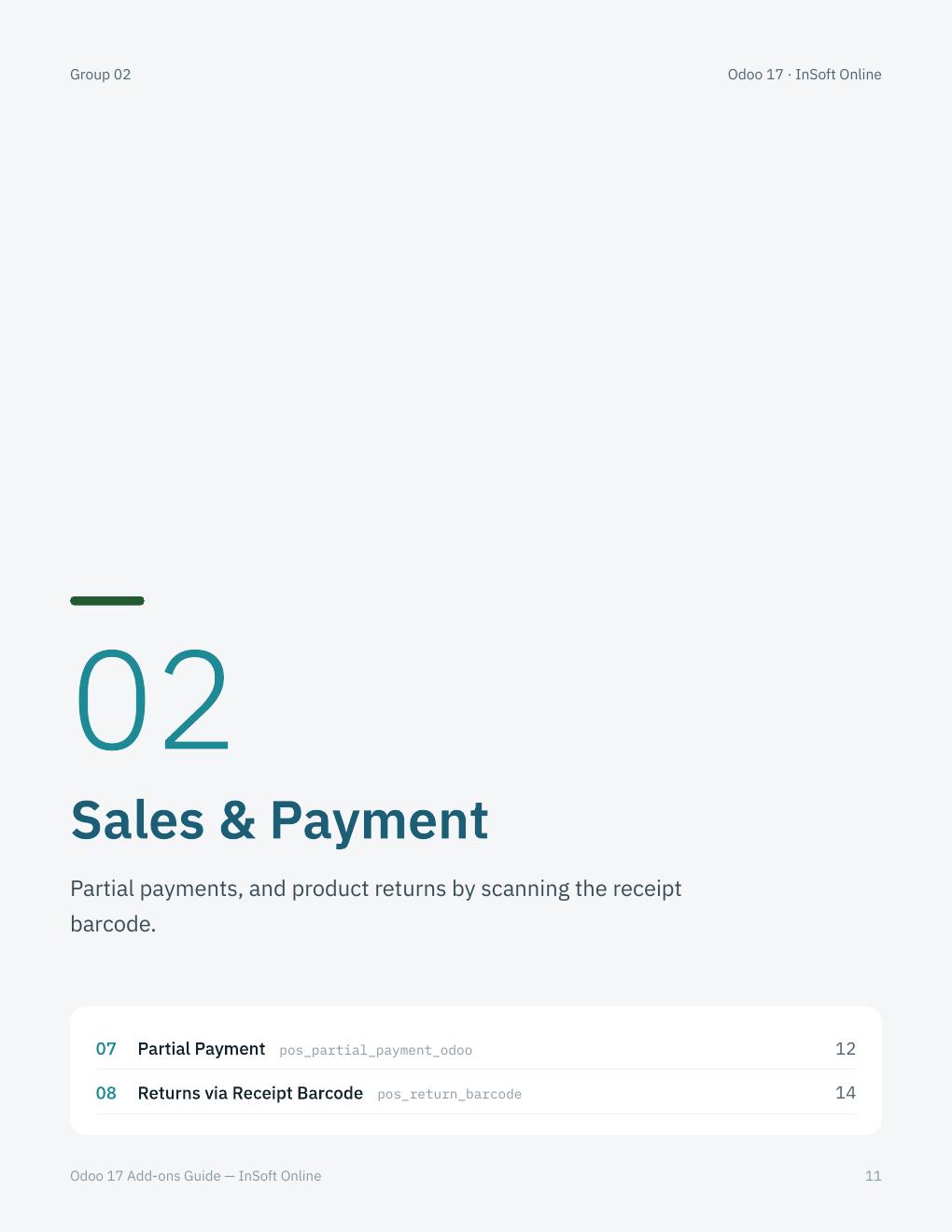
02 · Sales & Payment
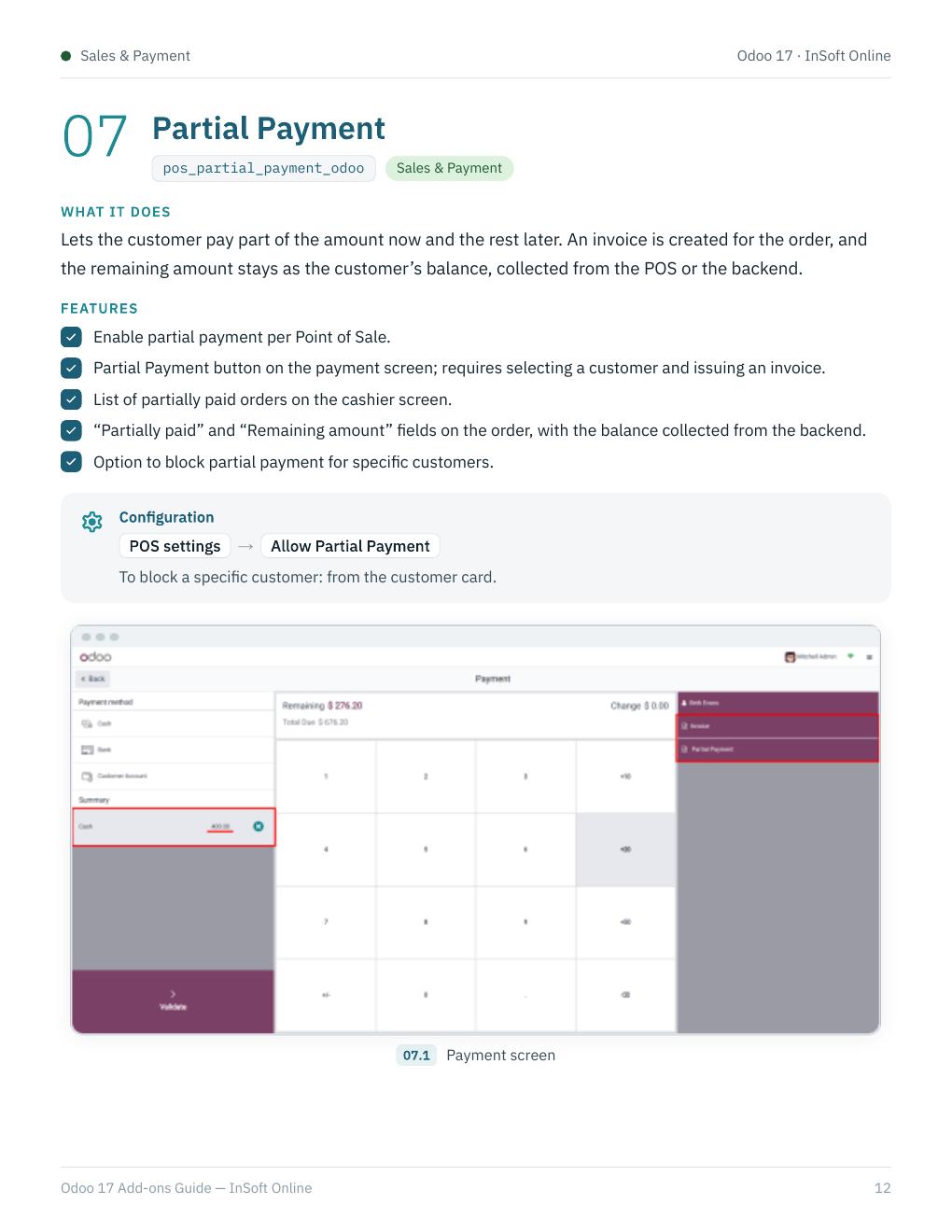
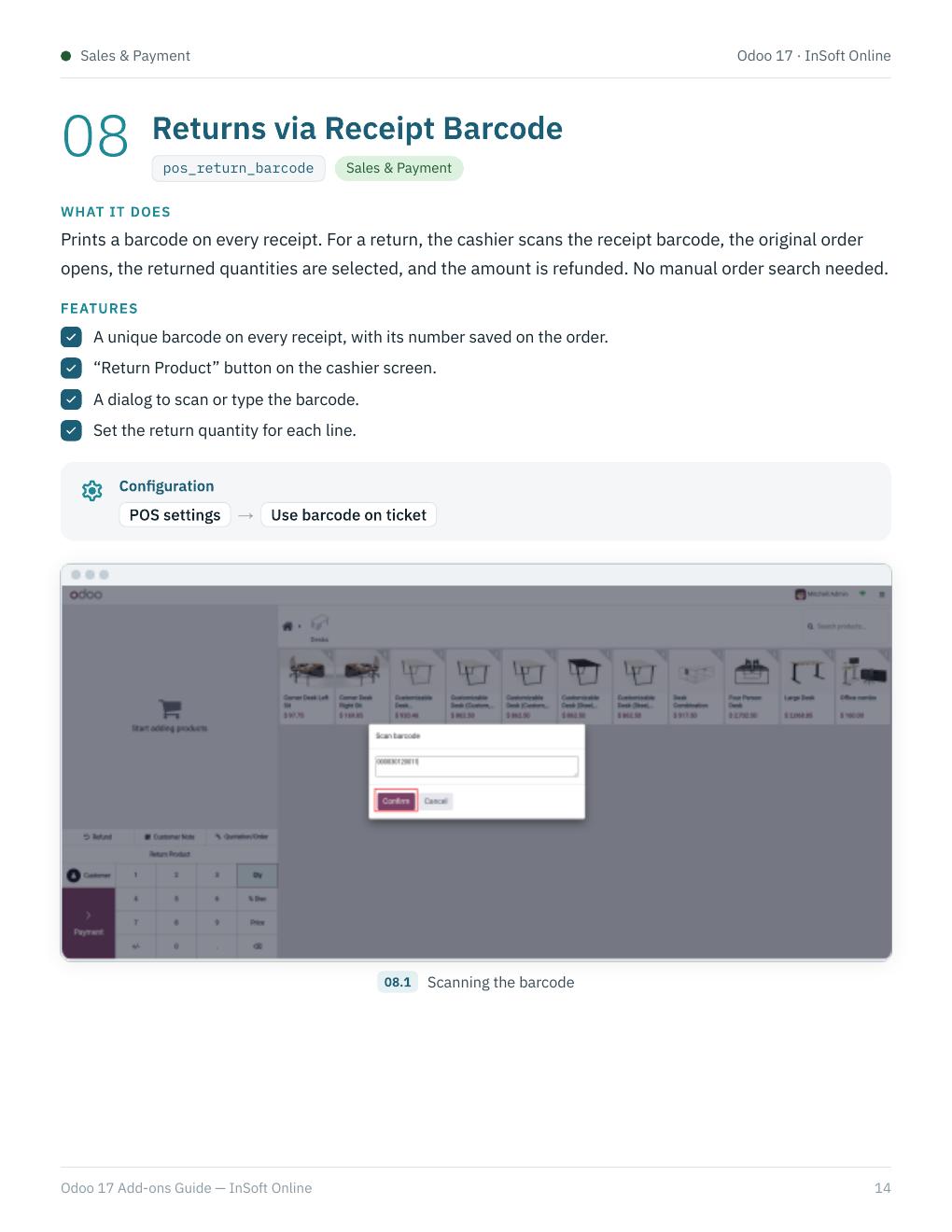
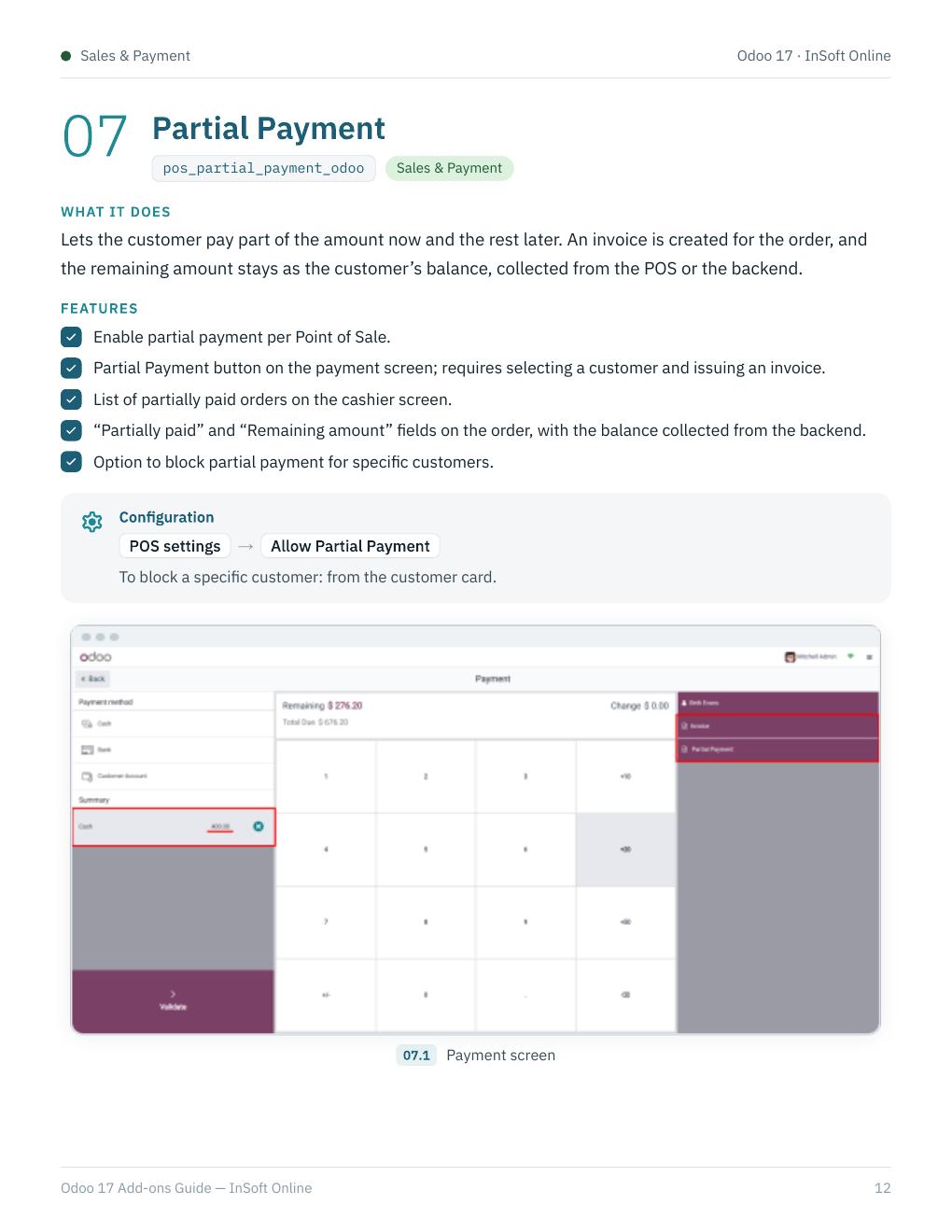
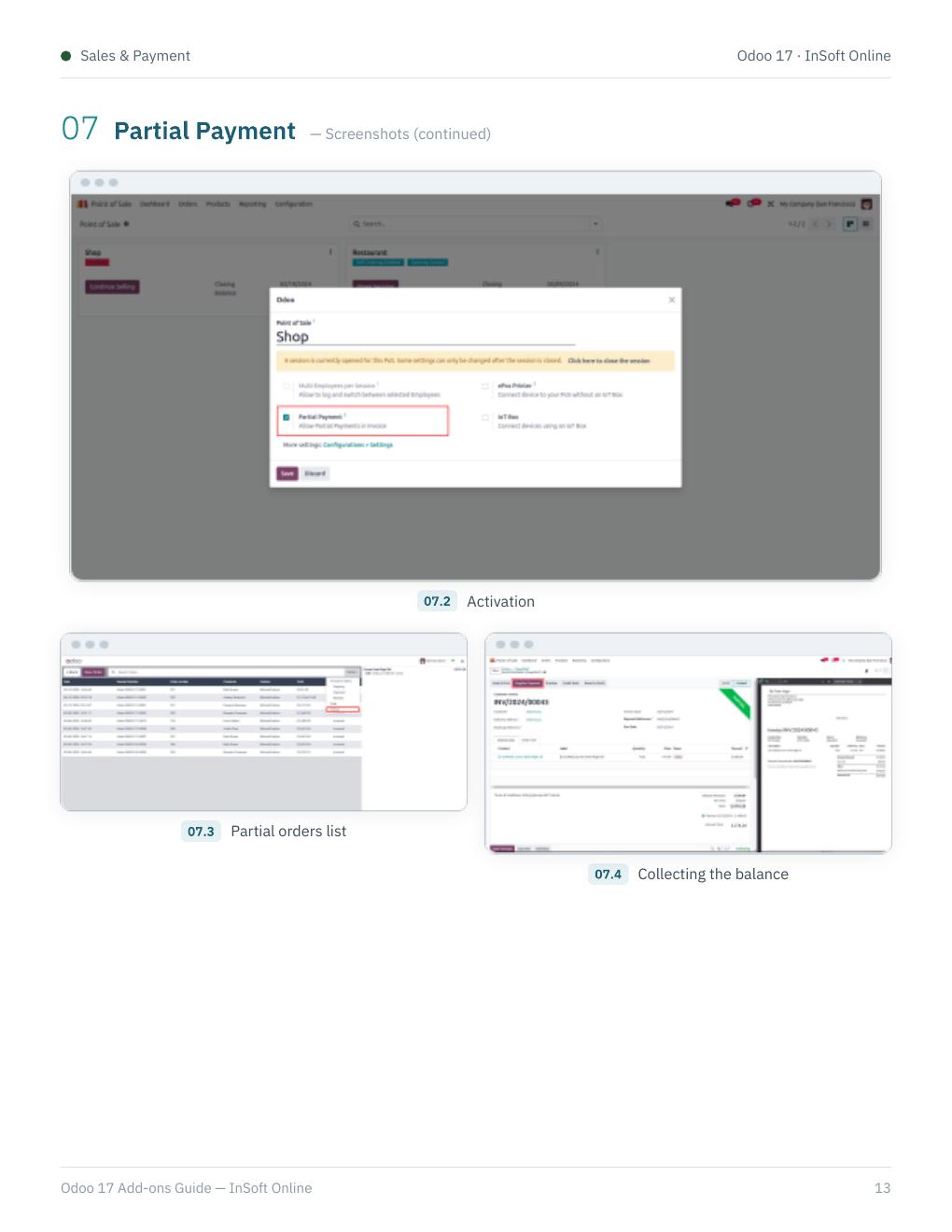
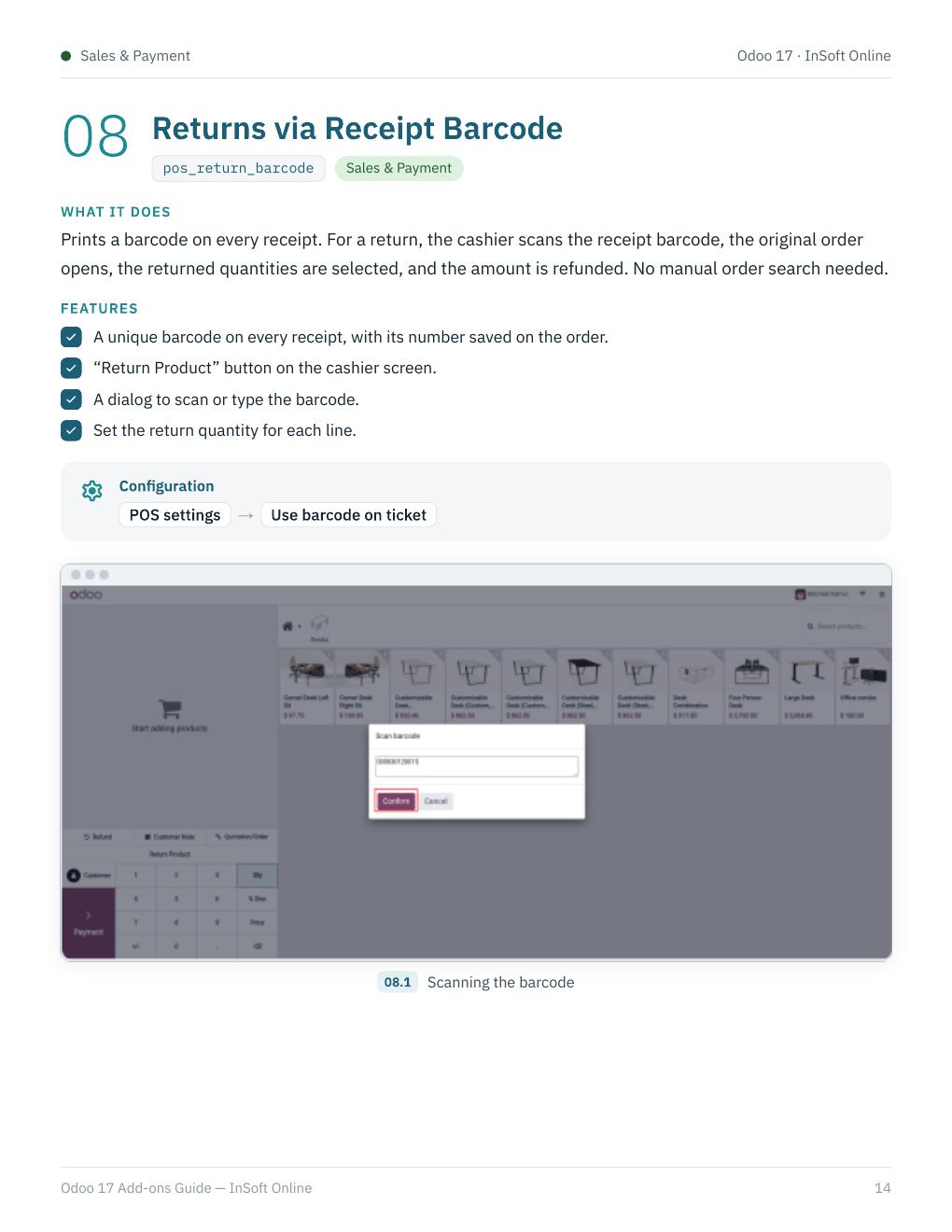
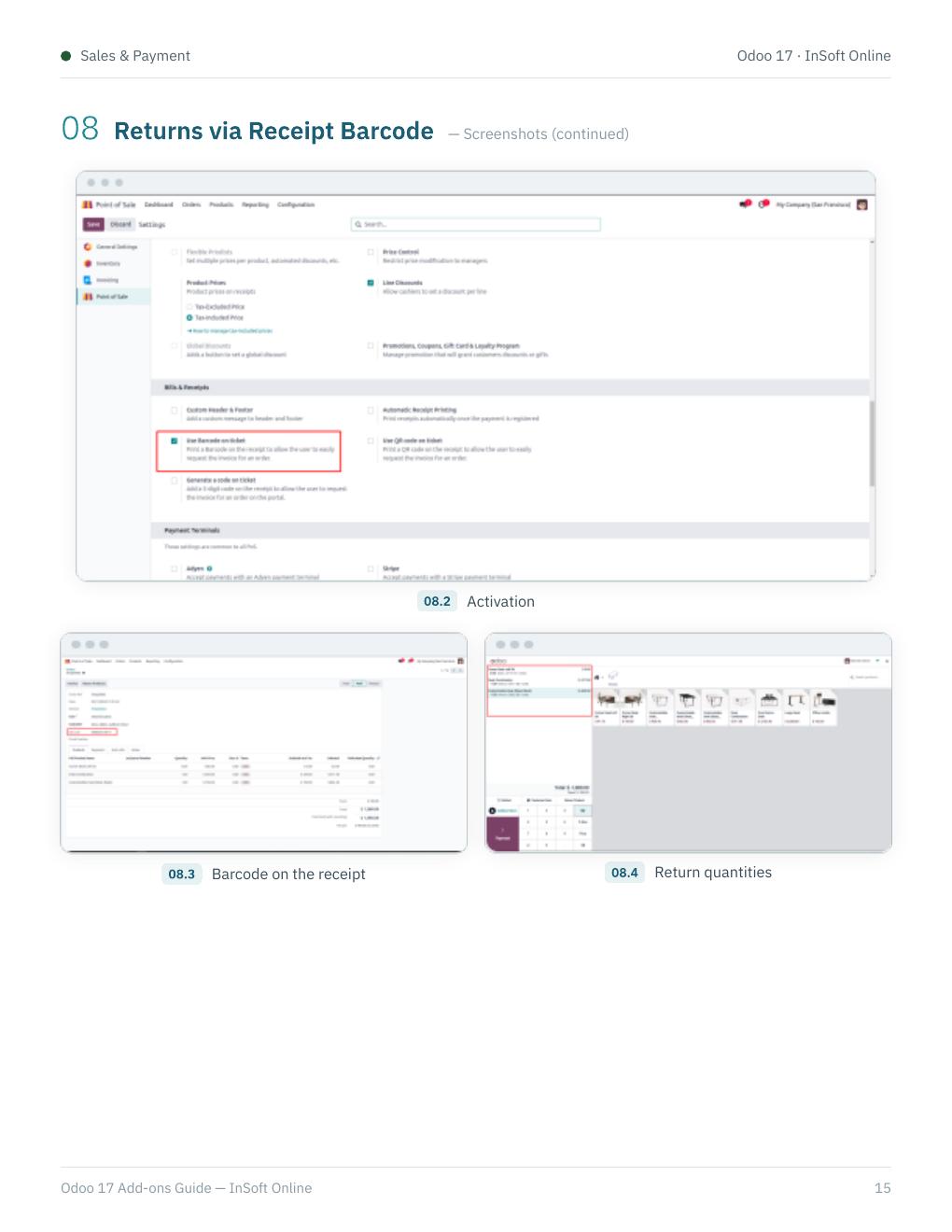
pos_partial_payment_odoo — pay part now and keep the balance; pos_return_barcode — refunds by scanning the receipt barcode.
03 · Products & Orders
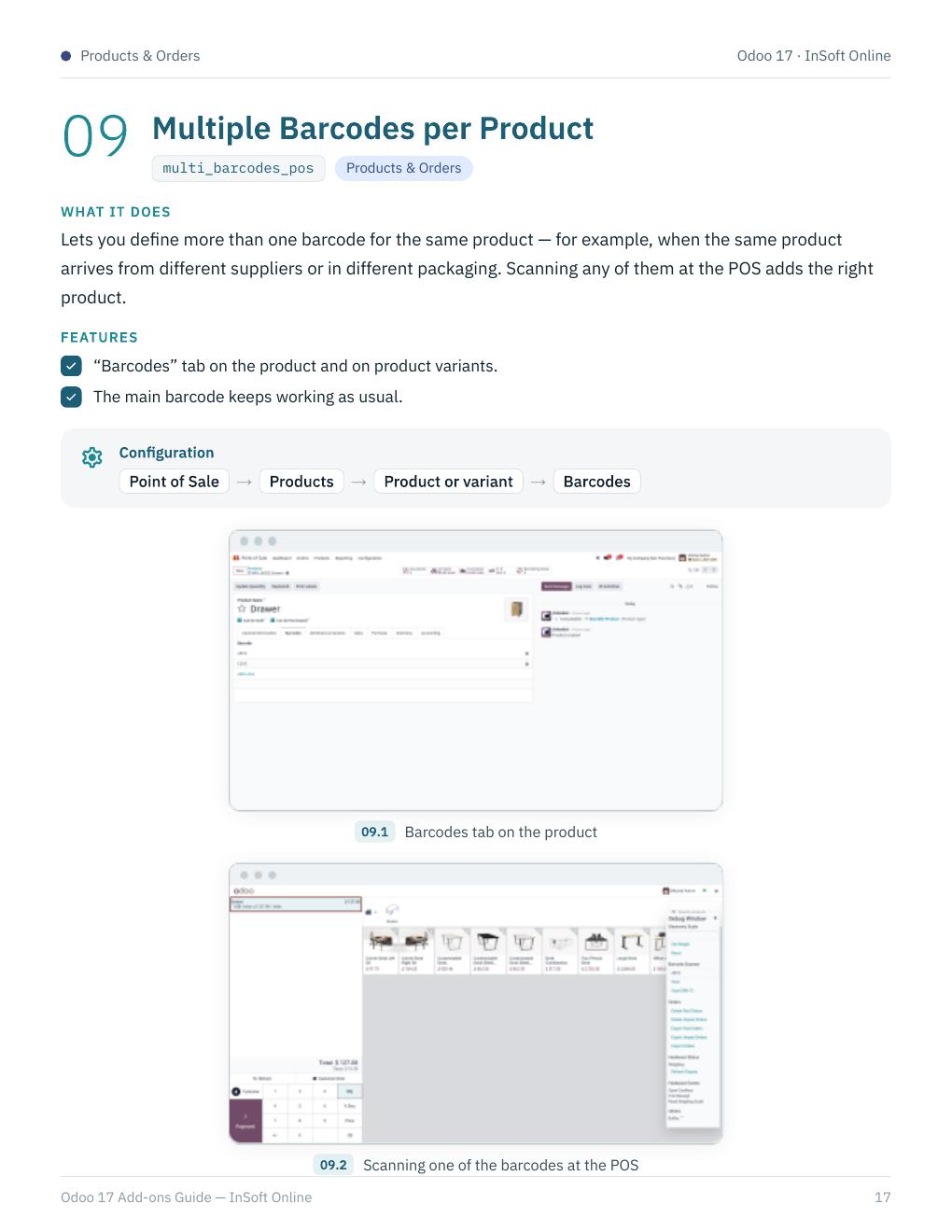
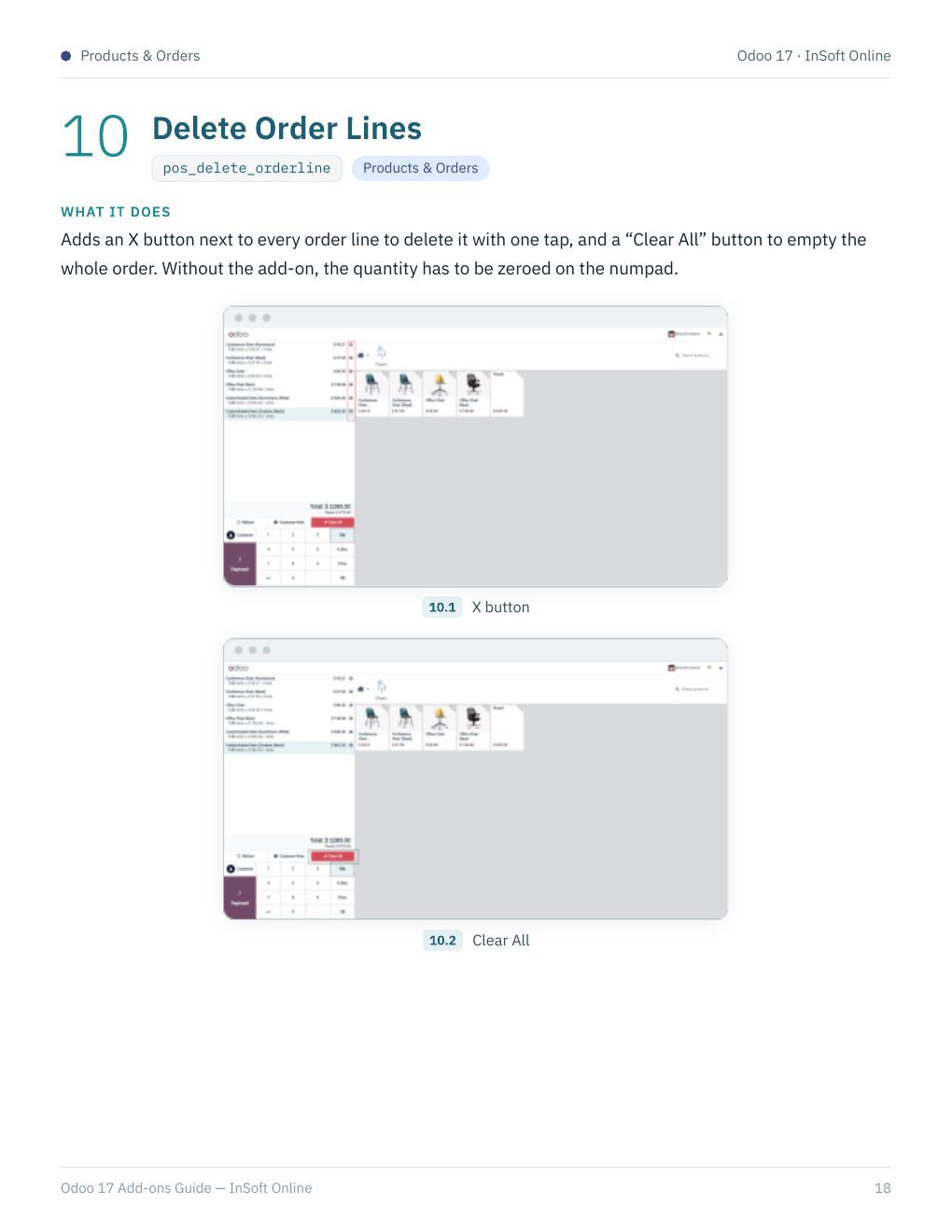
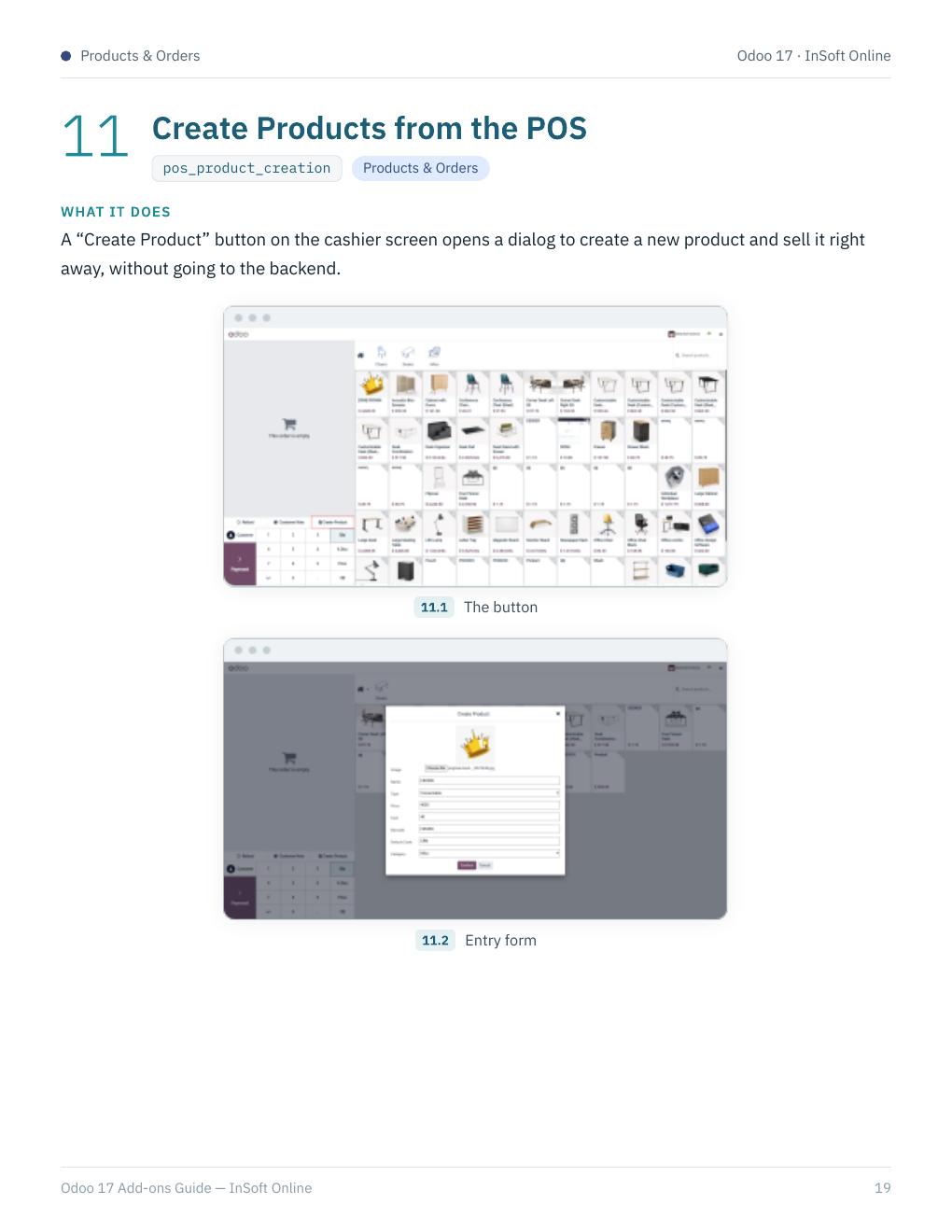
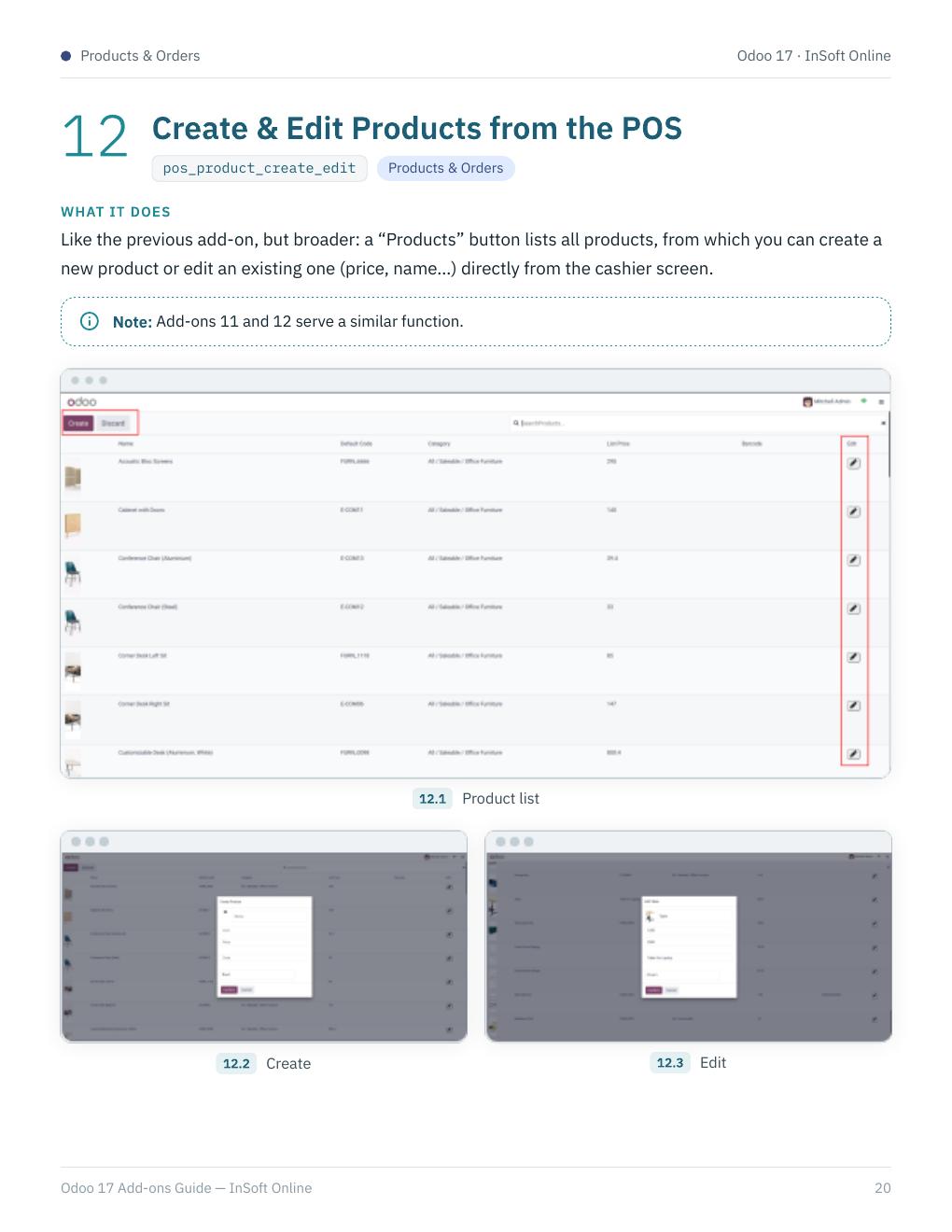
multi_barcodes_pos, pos_delete_orderline, pos_product_creation, and pos_product_create_edit — multiple barcodes, delete lines, and create or edit products from the POS.
04 · Restaurants & Customer Experience
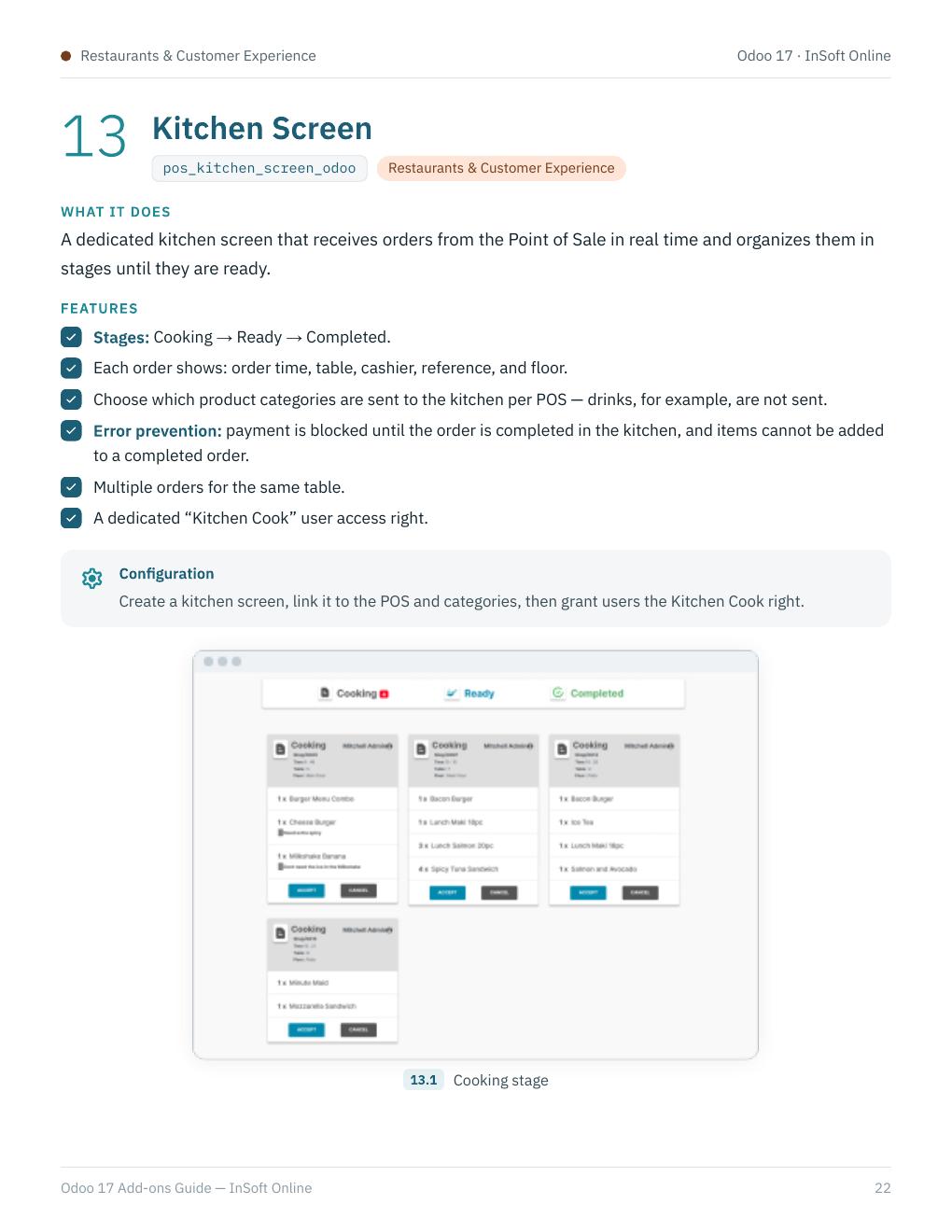
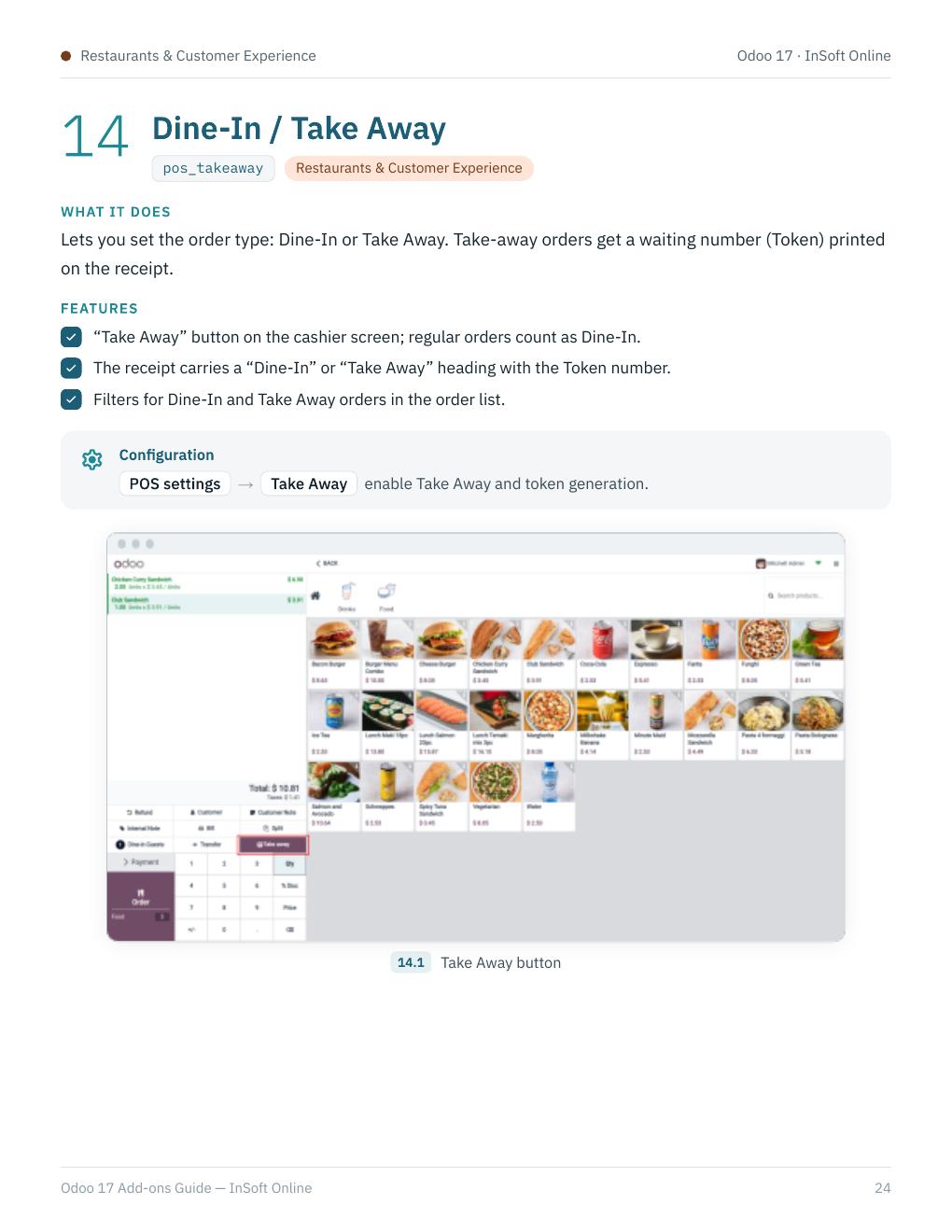
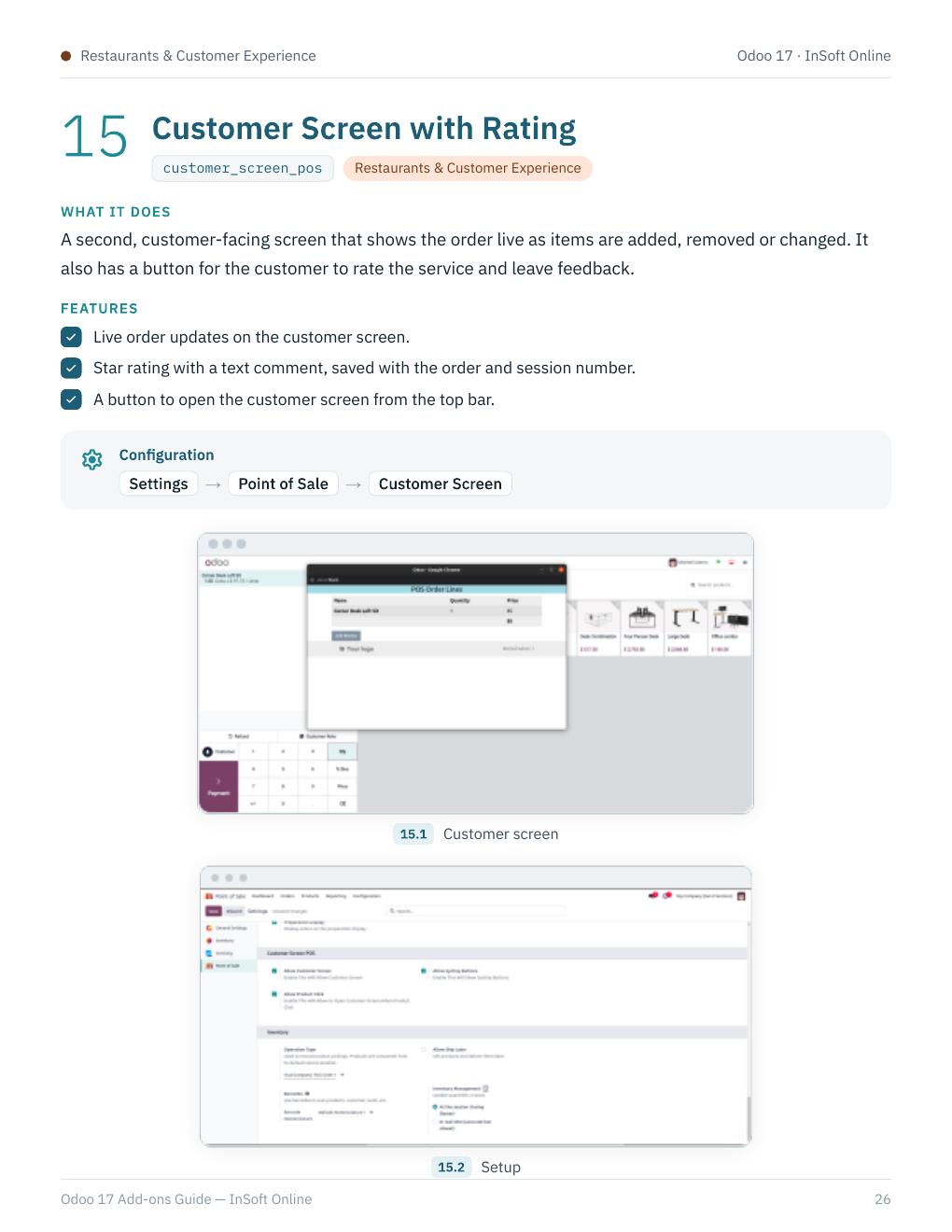
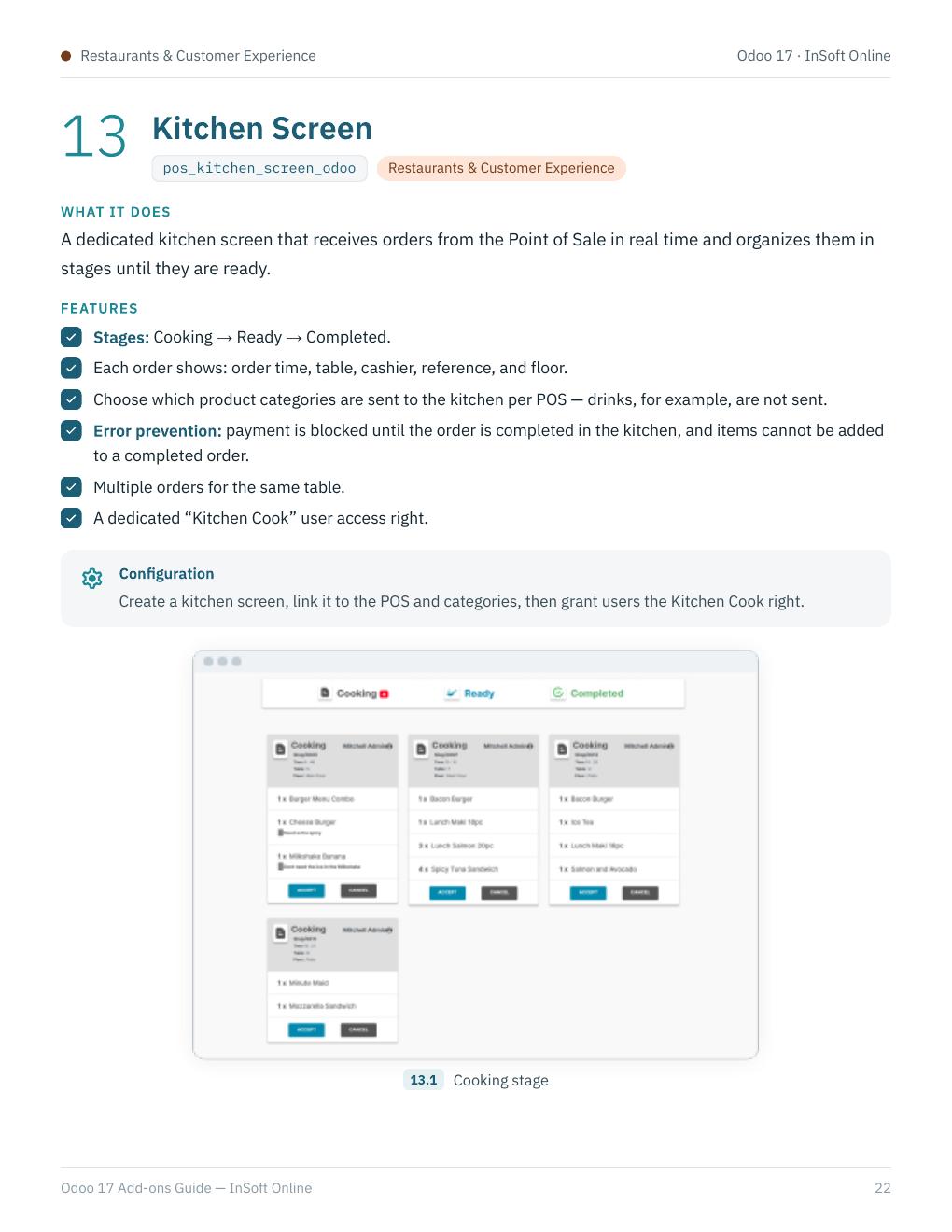
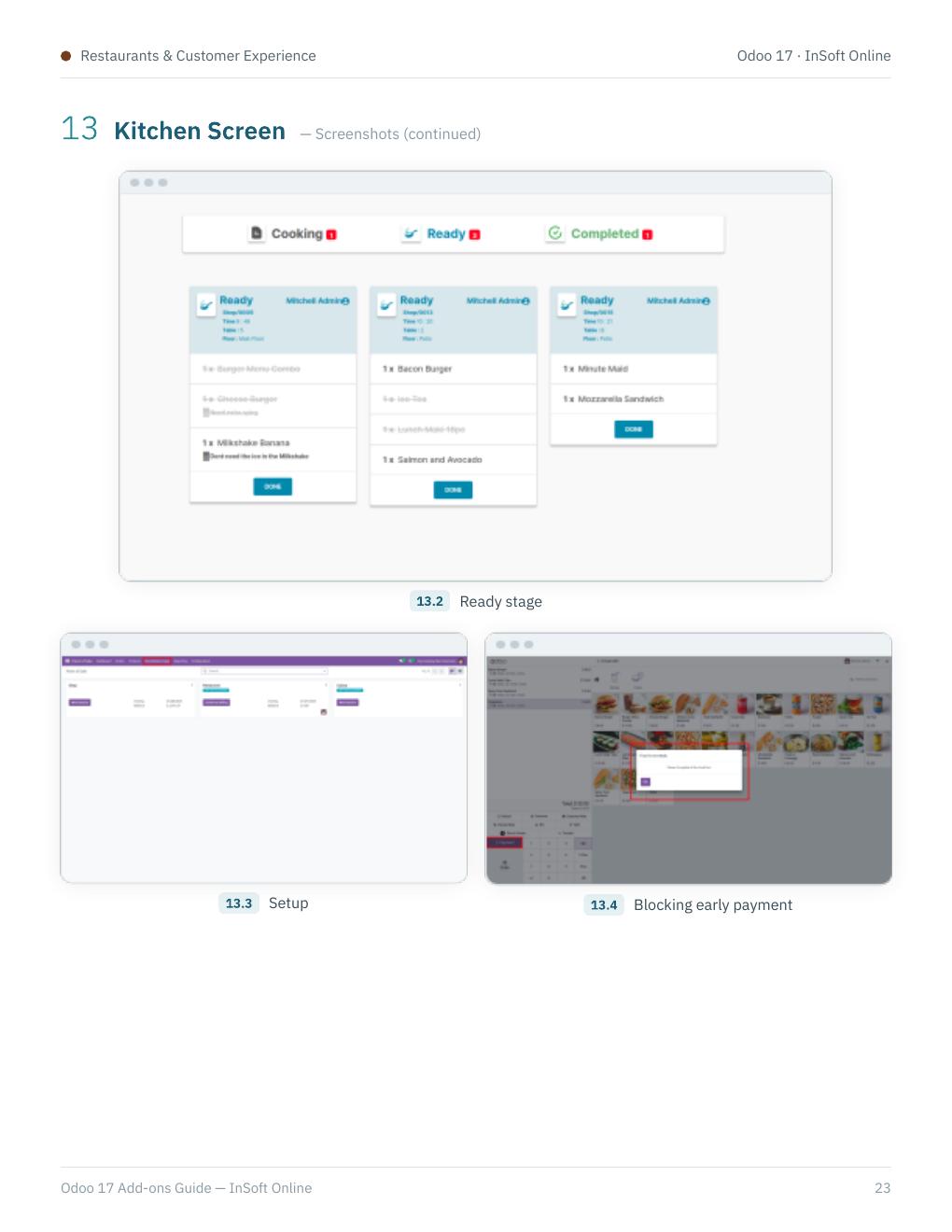
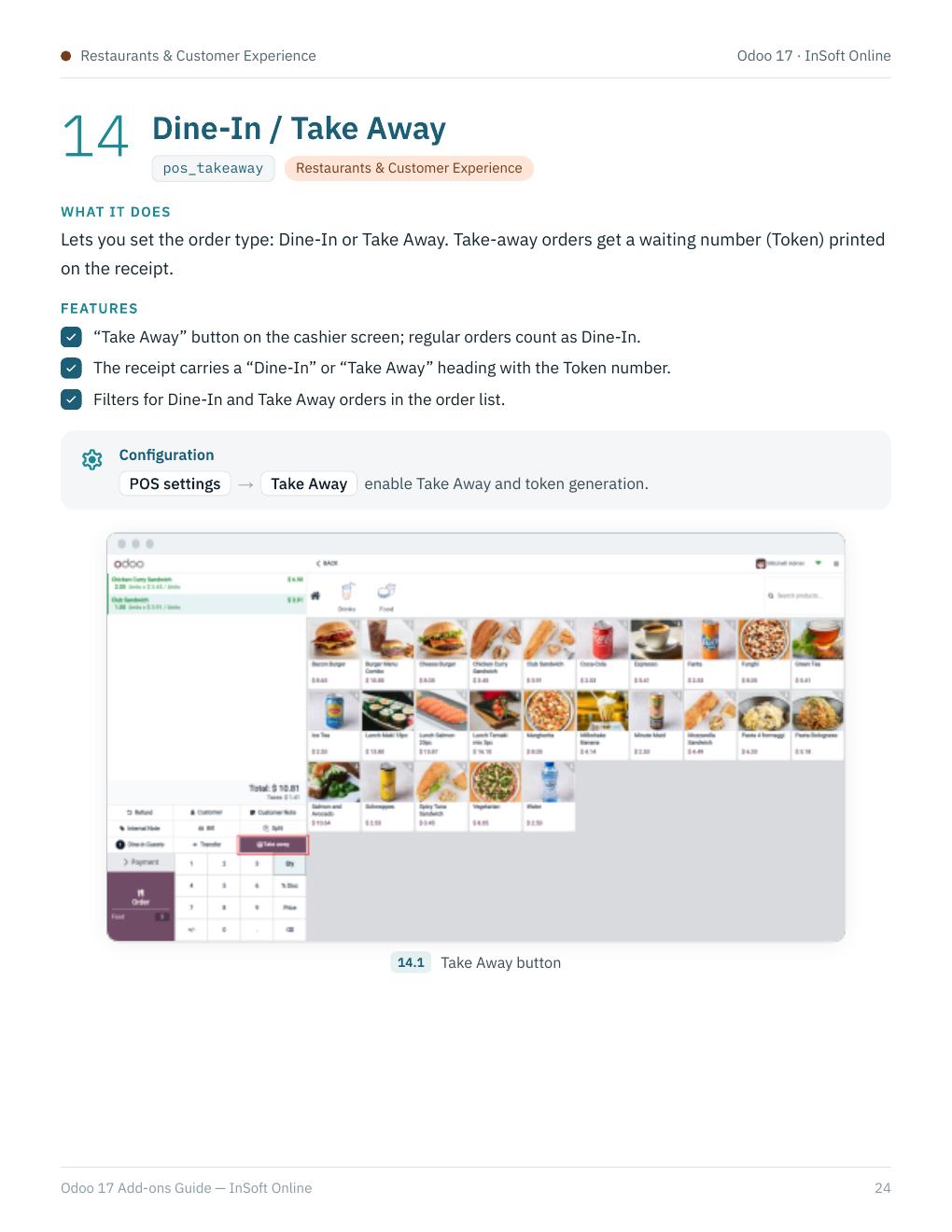
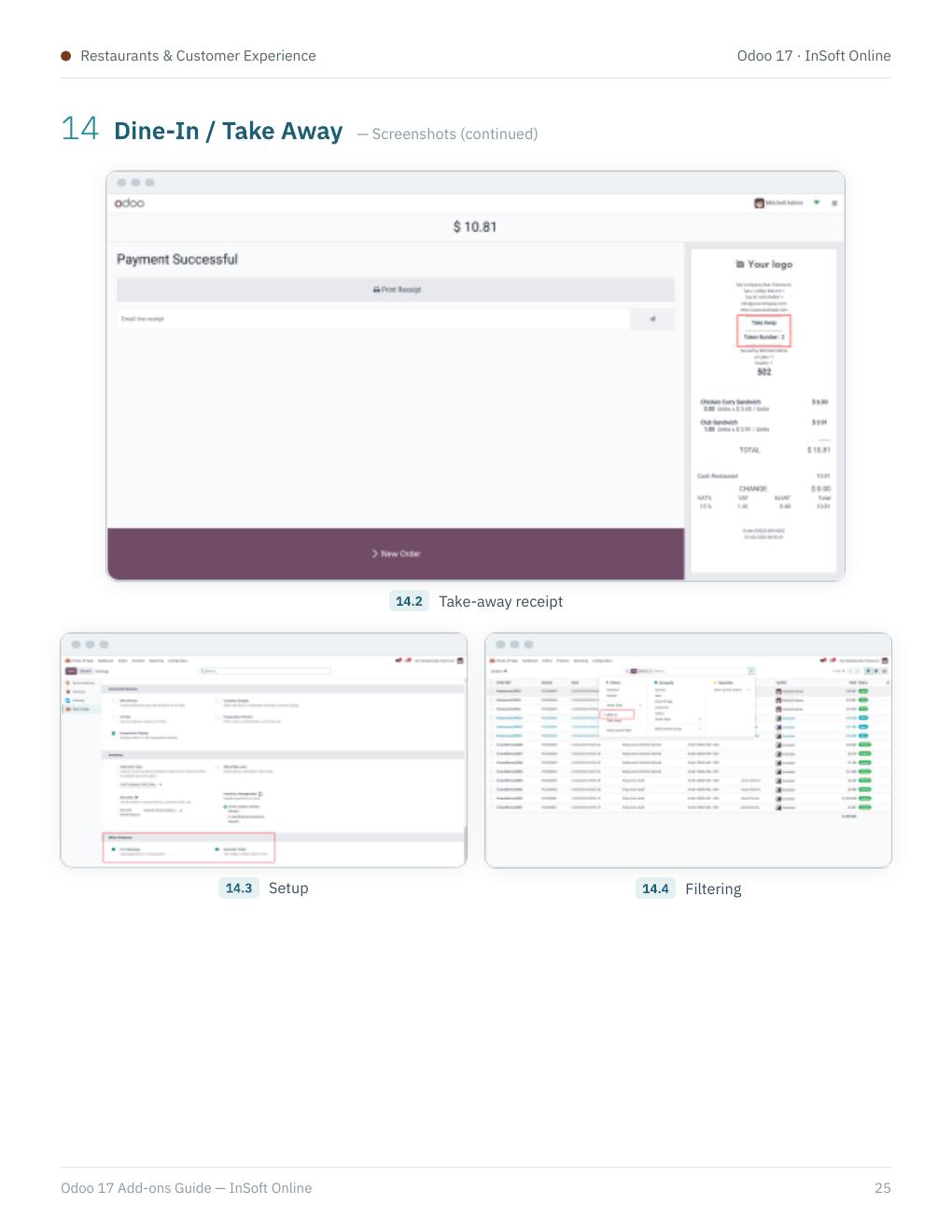
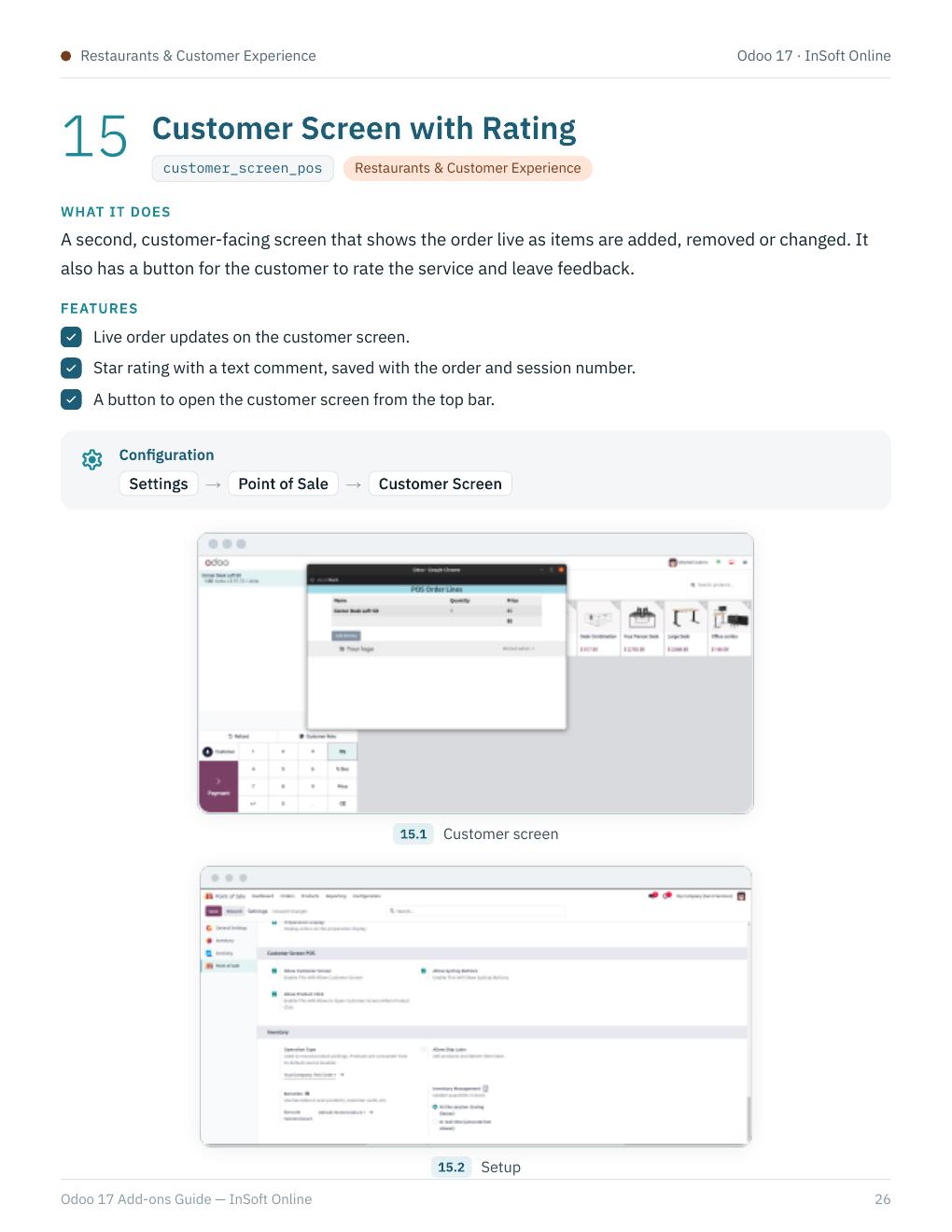
pos_kitchen_screen_odoo, pos_takeaway, and customer_screen_pos — kitchen display, dine-in / take-away flow, and customer screen with rating.
05 · Receipts
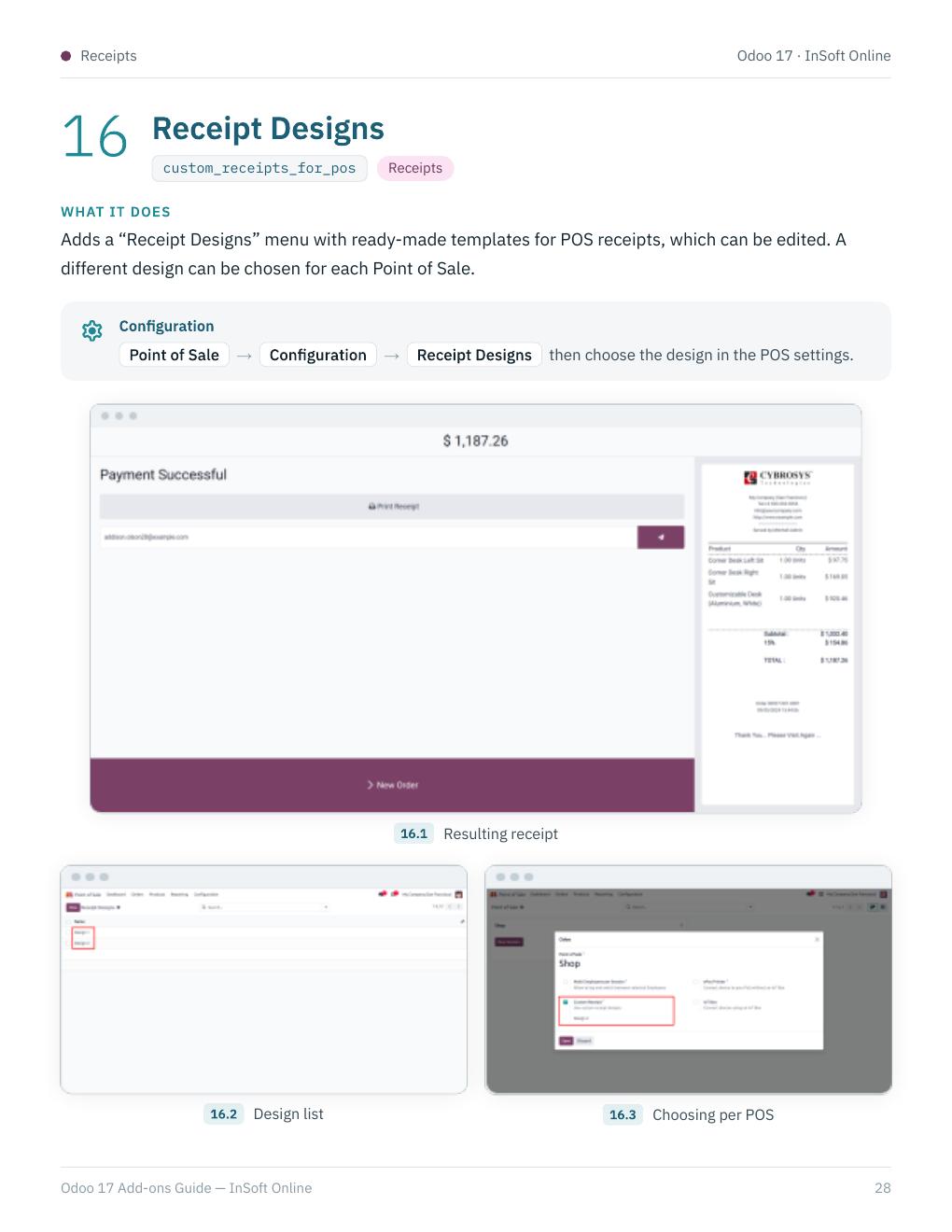
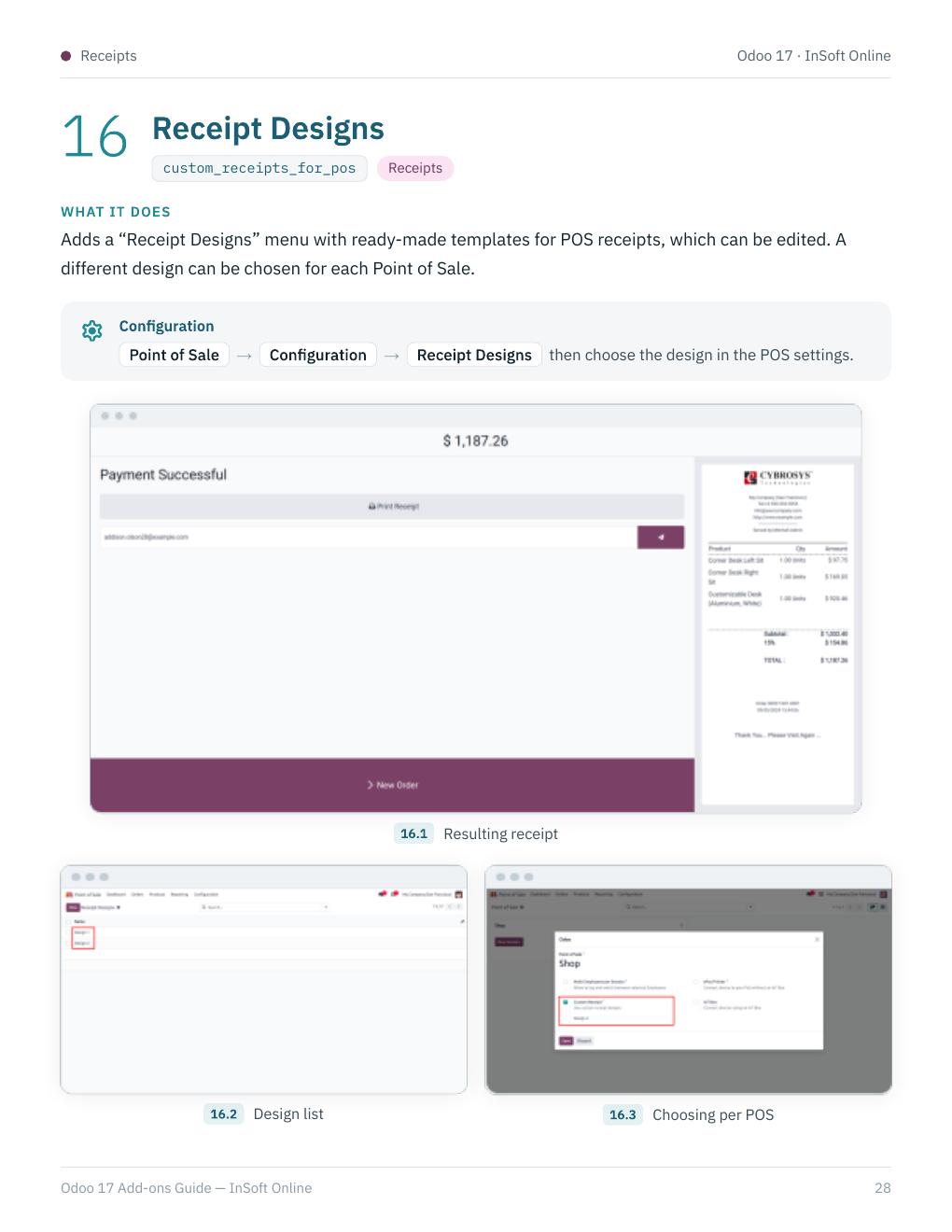
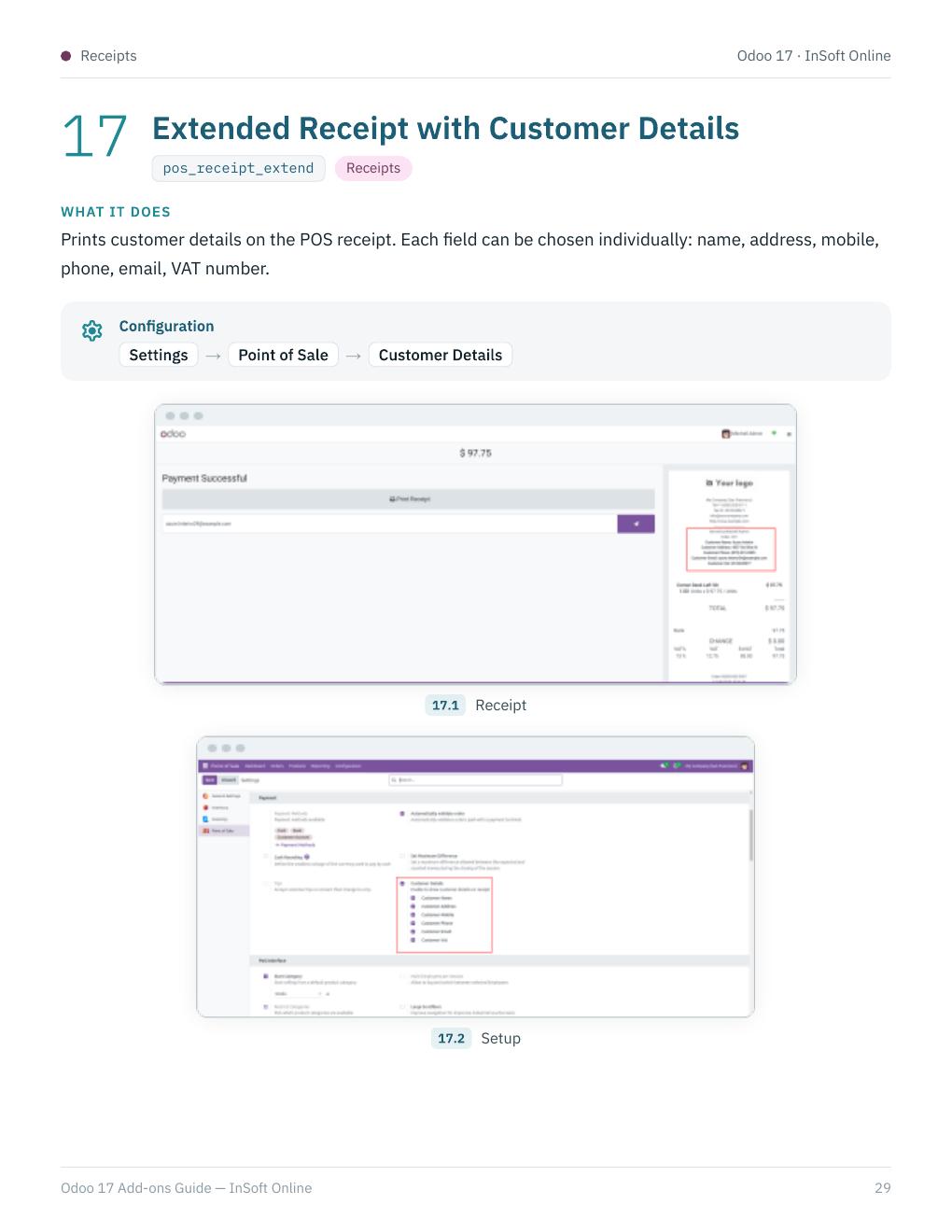
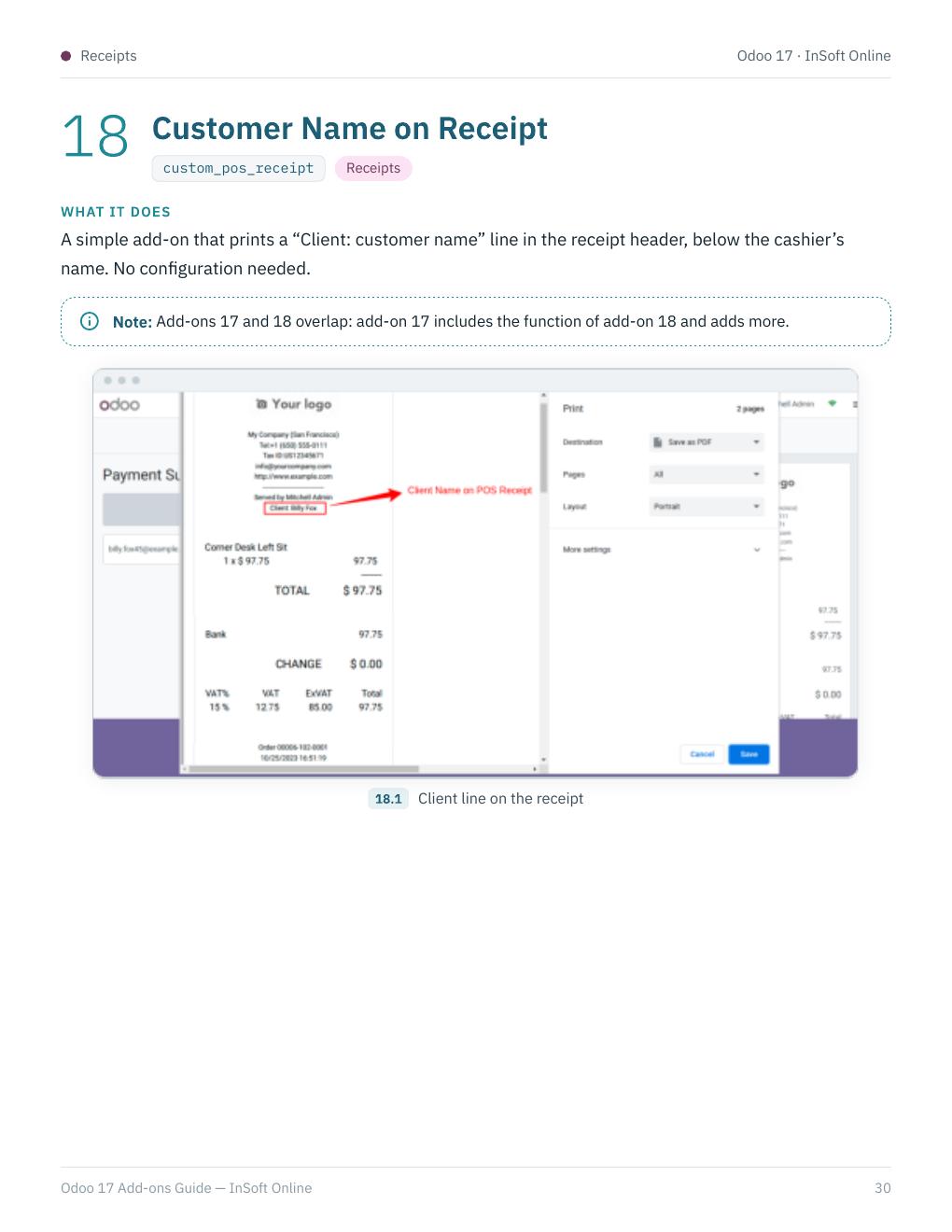
custom_receipts_for_pos, pos_receipt_extend, and custom_pos_receipt — receipt layouts, extended customer details, and customer name on the ticket.
06 · Reports
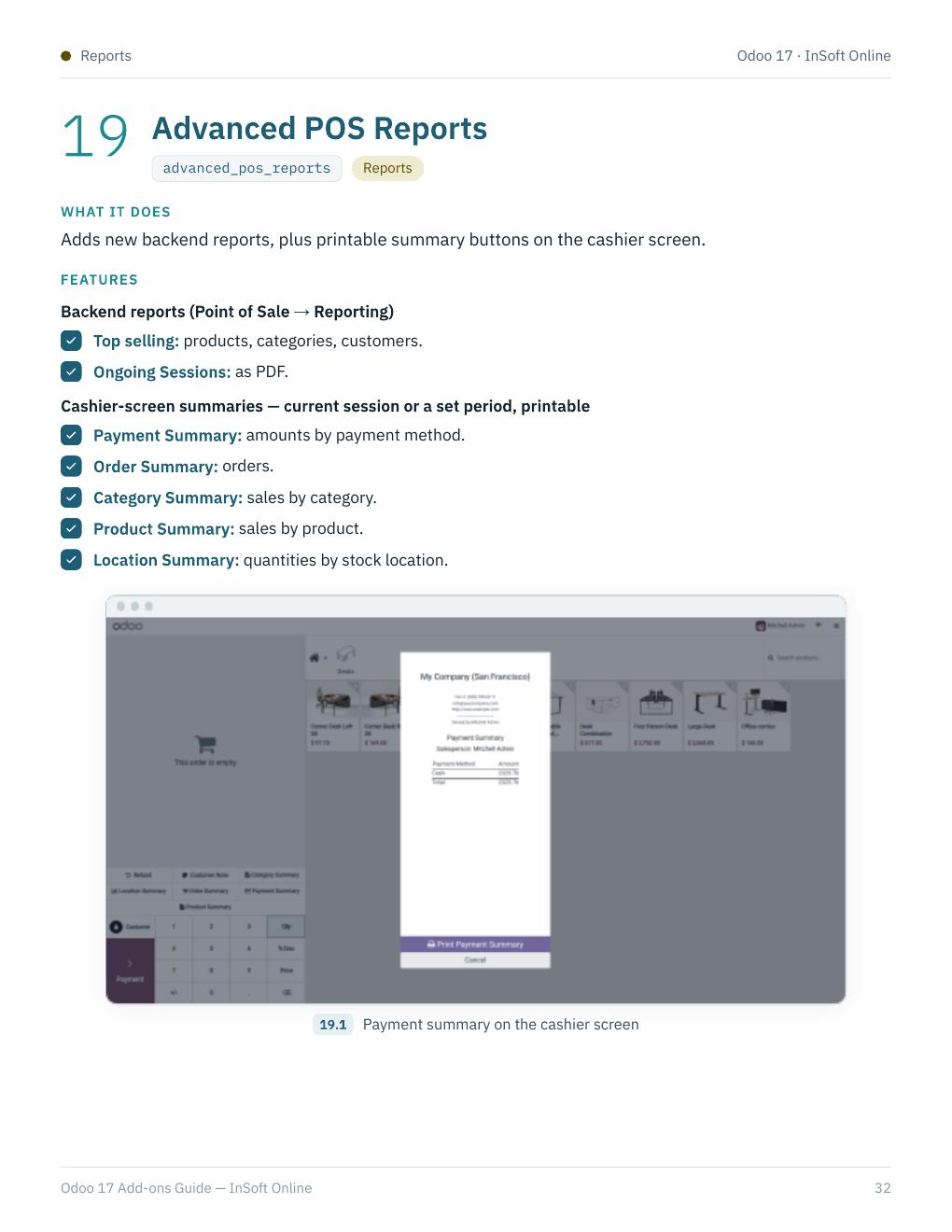
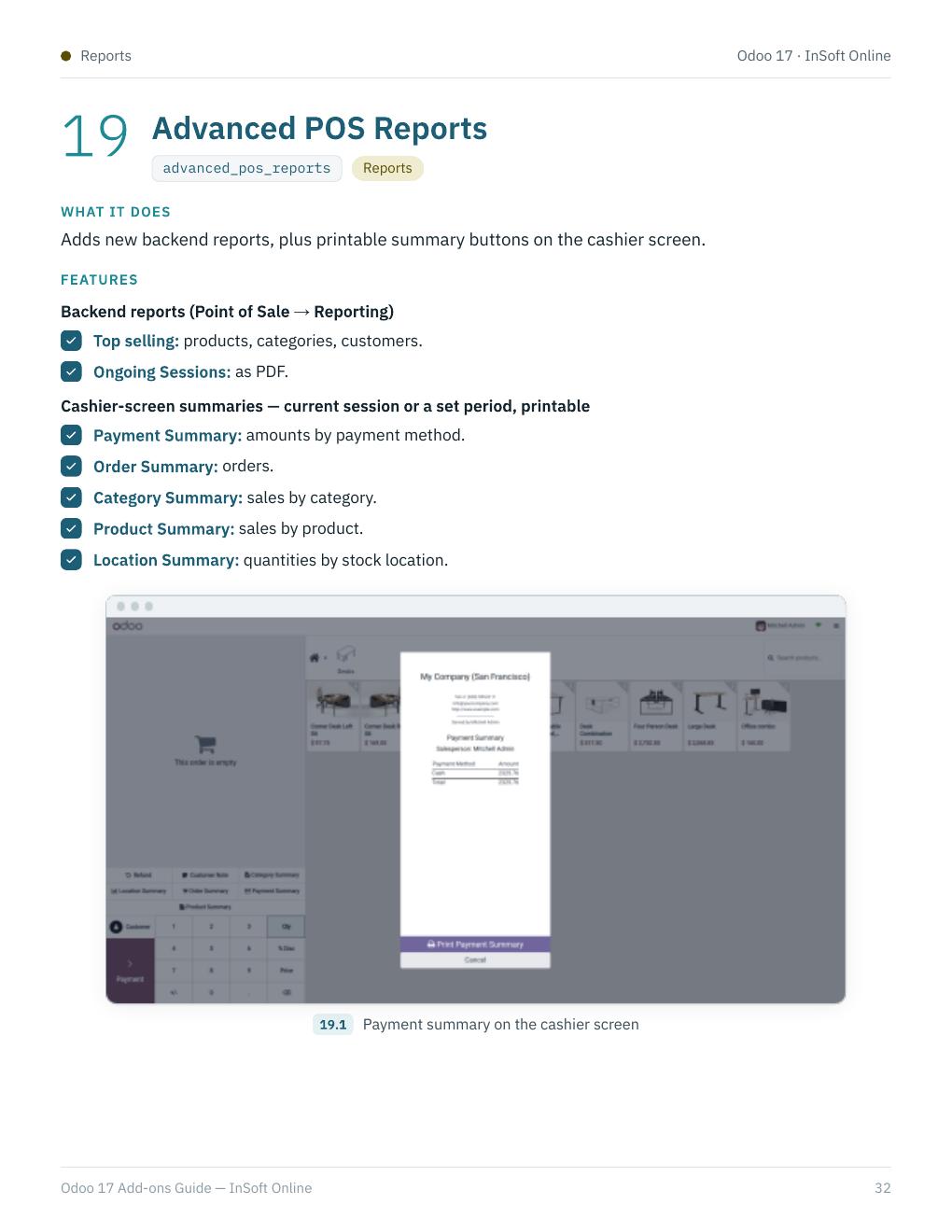
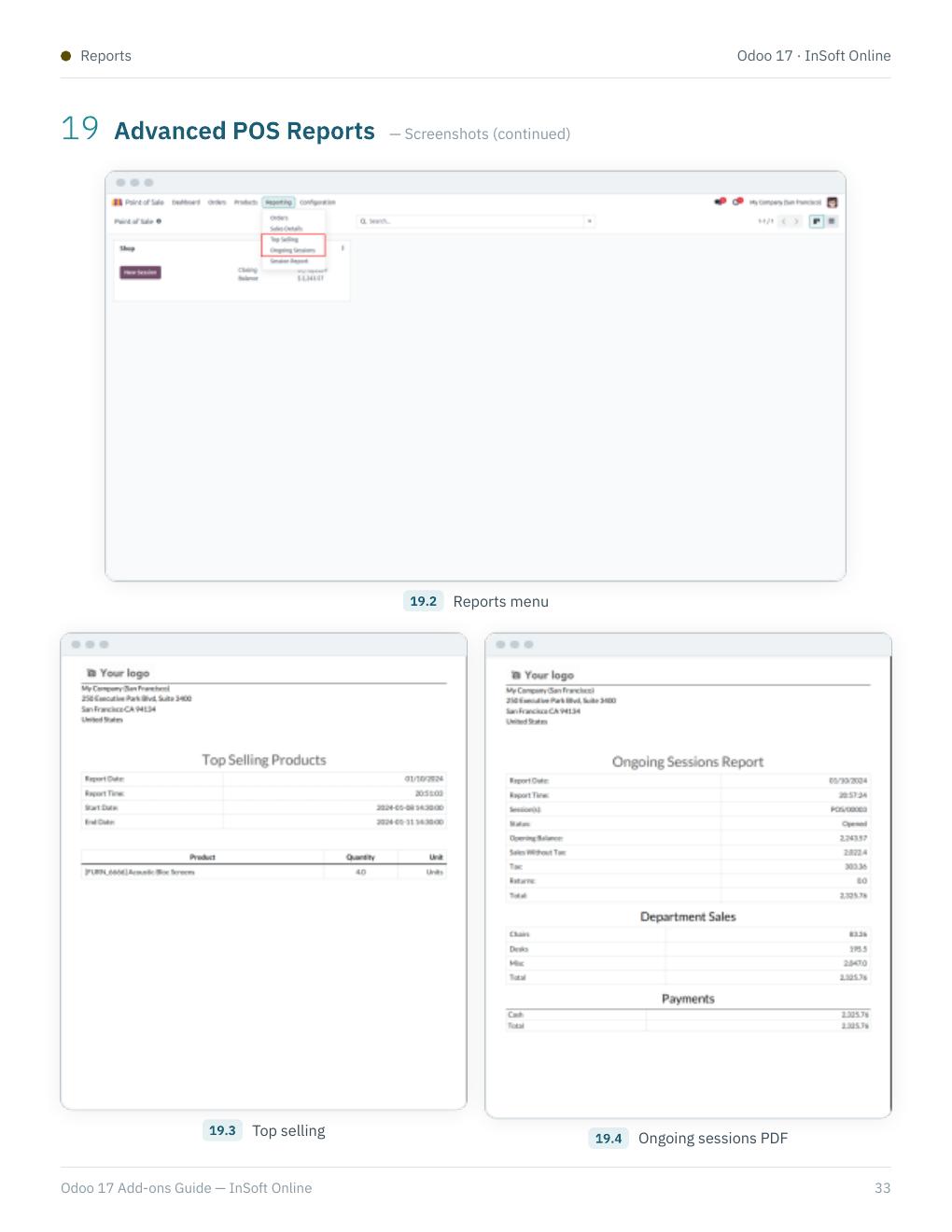
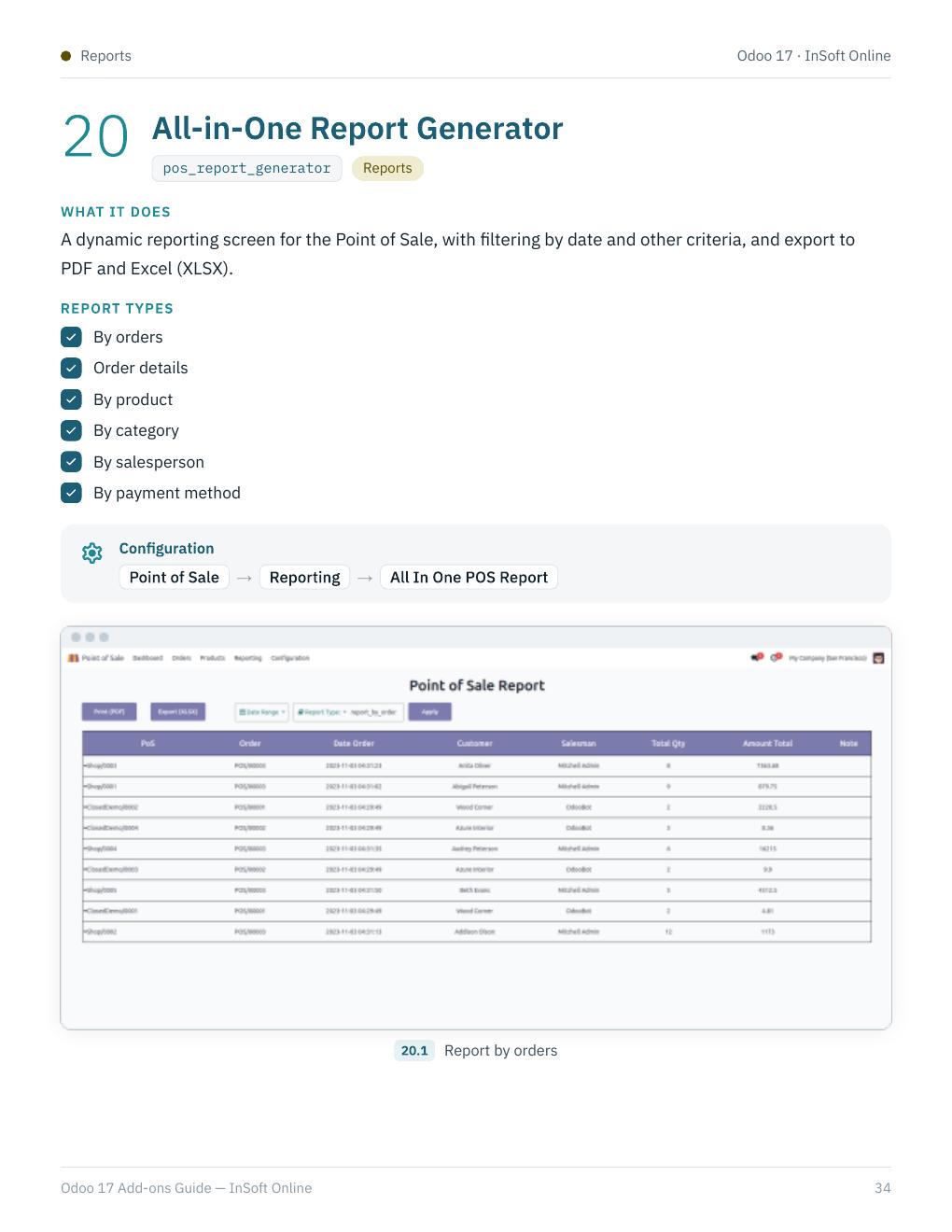
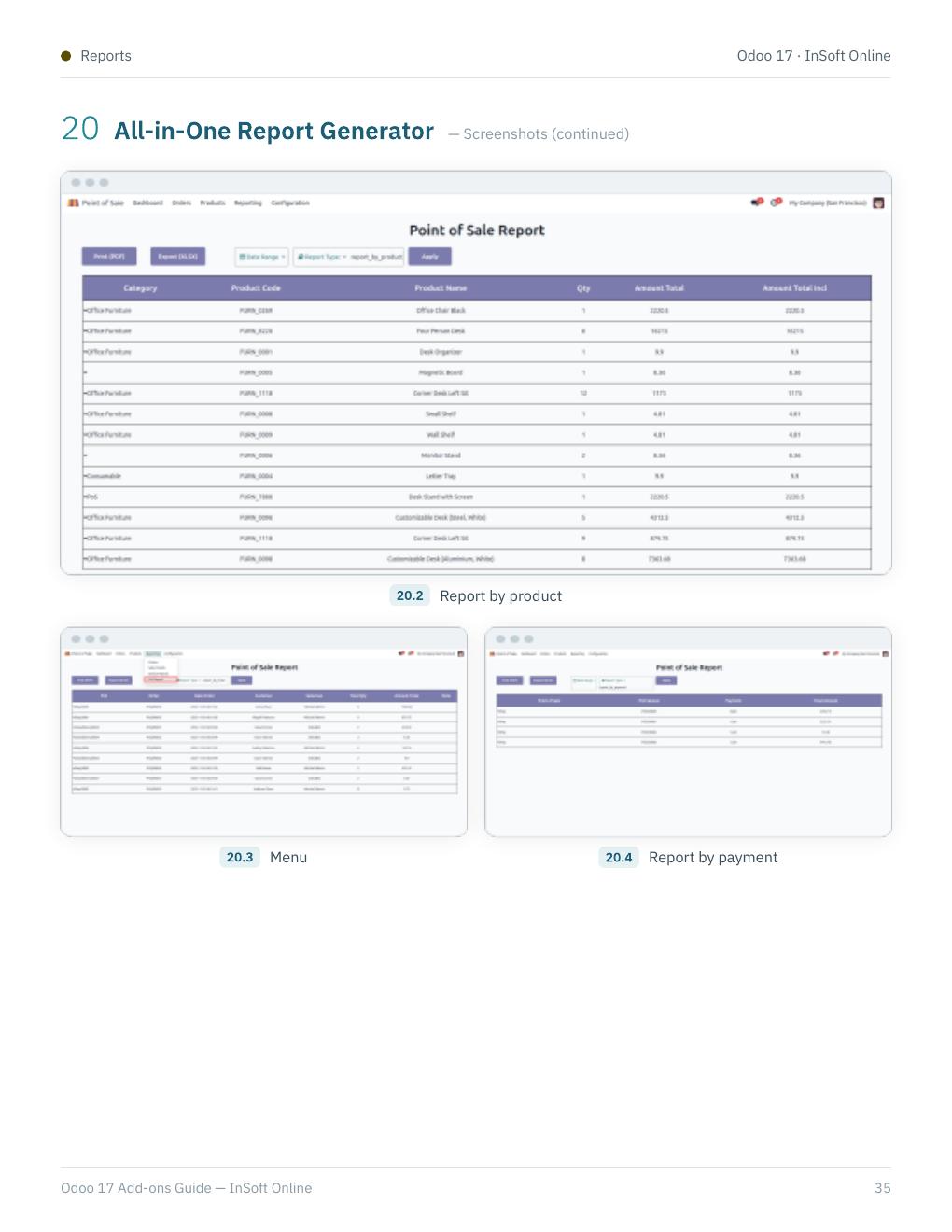
advanced_pos_reports and pos_report_generator — advanced POS reporting and an all-in-one report builder.
07 · E-commerce
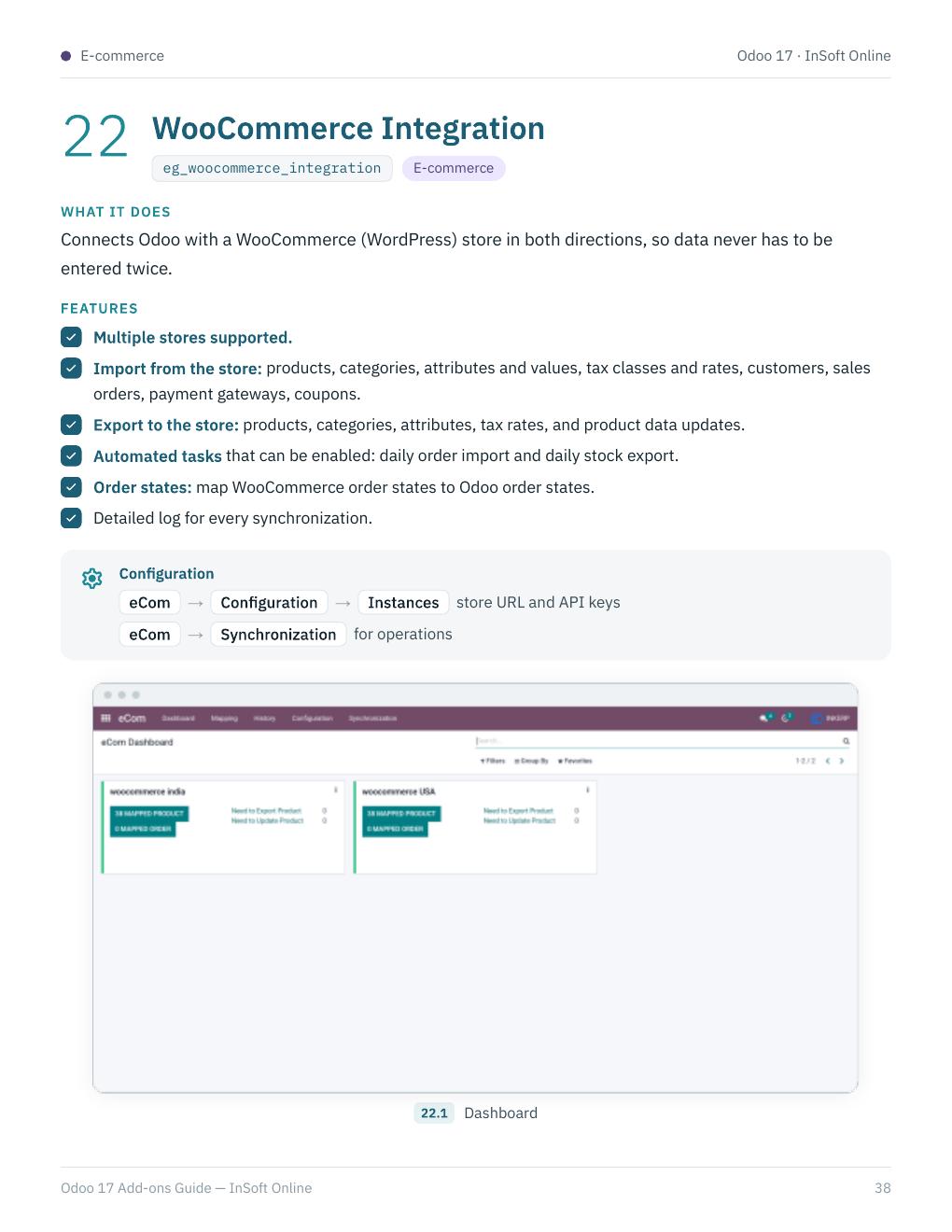
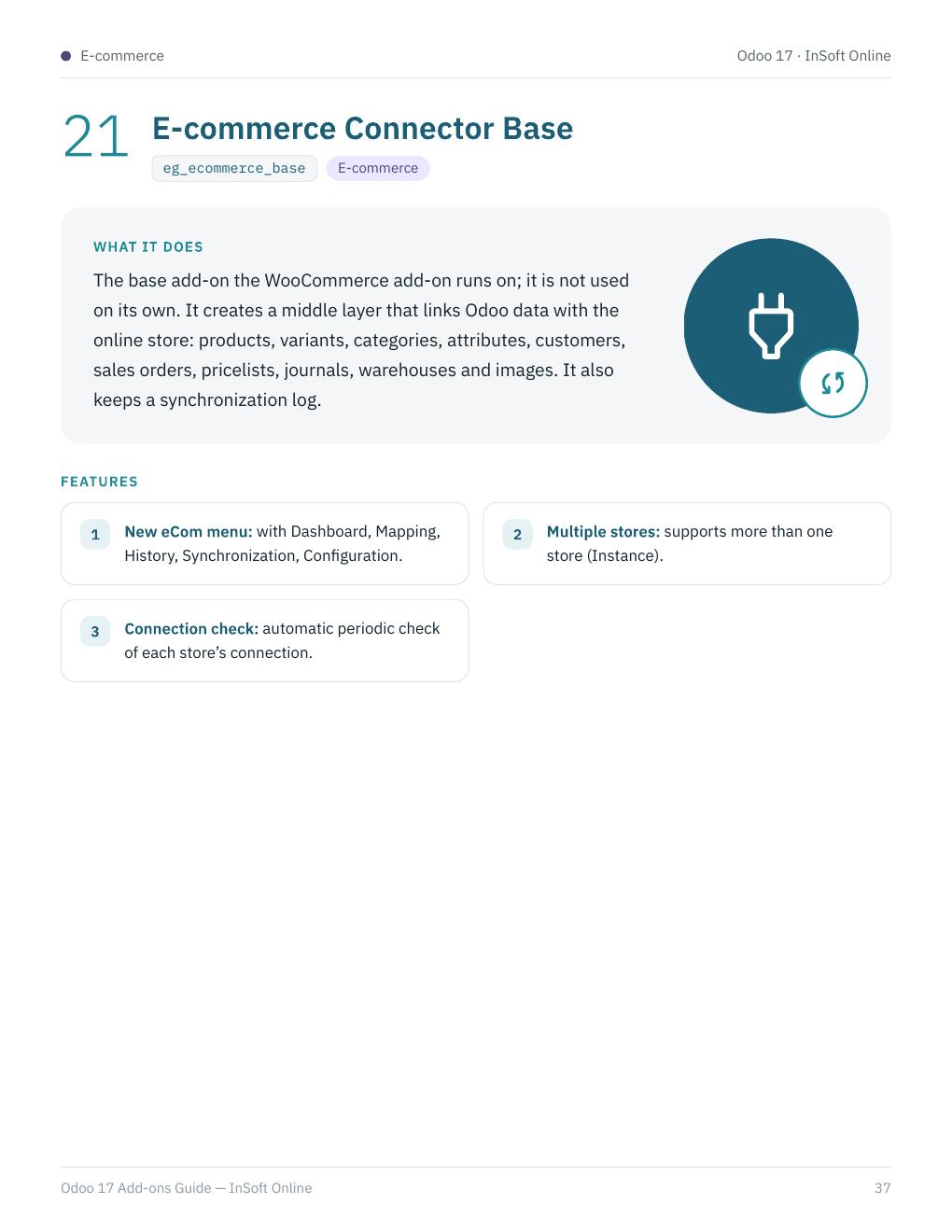
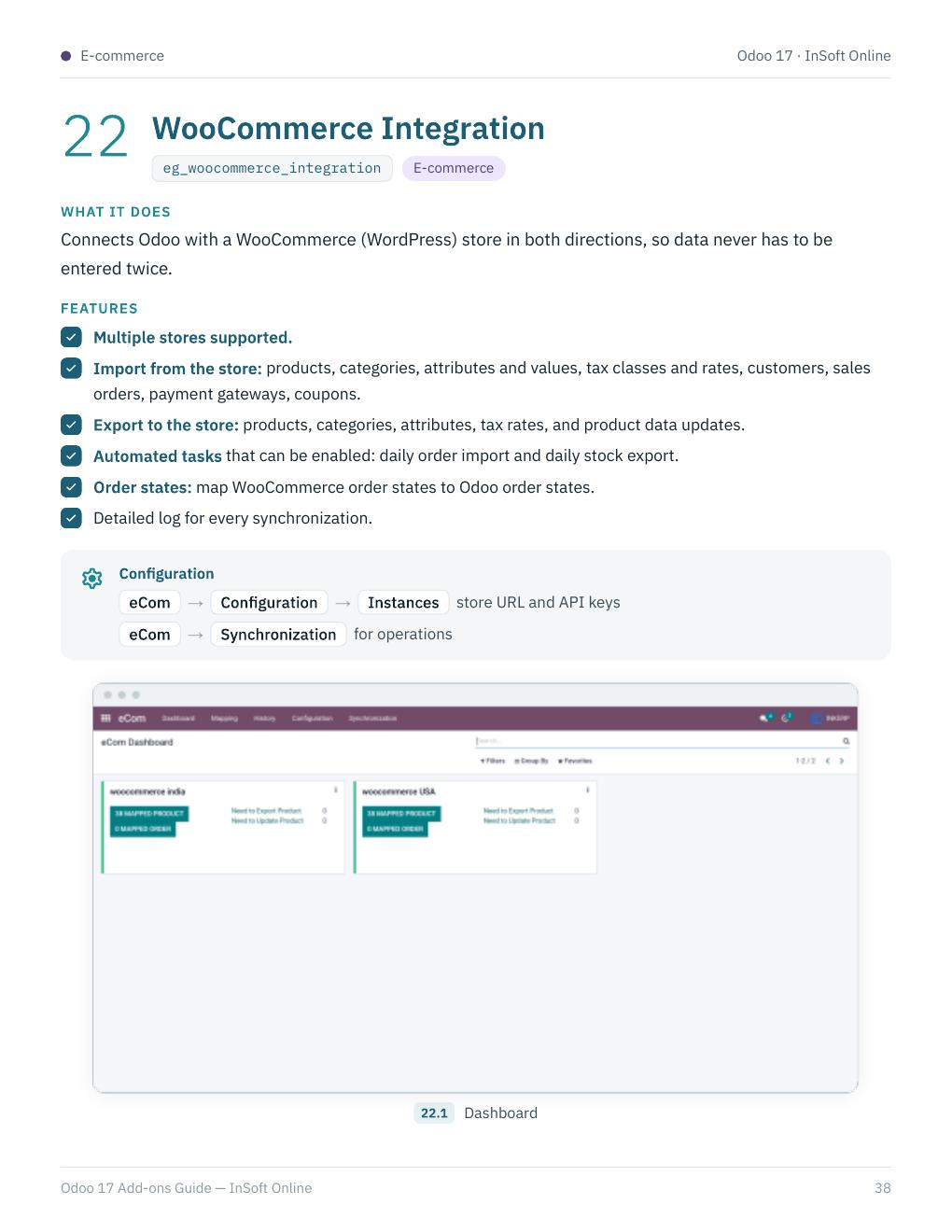
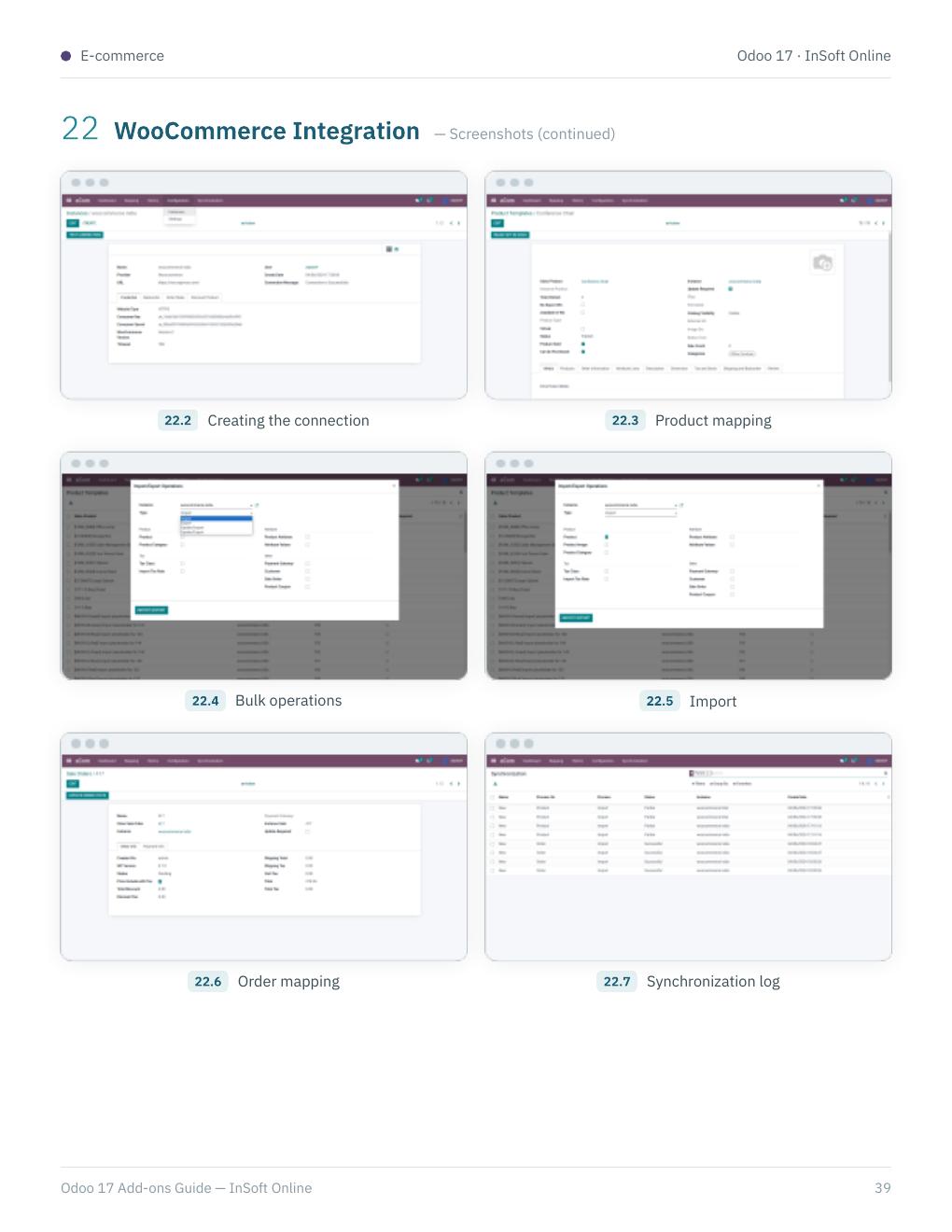
eg_ecommerce_base and eg_woocommerce_integration — WooCommerce connector on top of the e-commerce base module.
What you get on this page
- Full English PDF guide (40 pages)
- Feature gallery with key screenshots
- Complete page archive (all 40 pages)
- Module names and configuration notes from the guide
- German POS / TSE / restaurant focus for Odoo 17 and Odoo 18
Use this page as the public archive of the English guide — download the PDF or browse every page below.